
ethernet golf simulator
Golf Simulator Room WiFi and Network Setup: Why Ethernet Always Wins
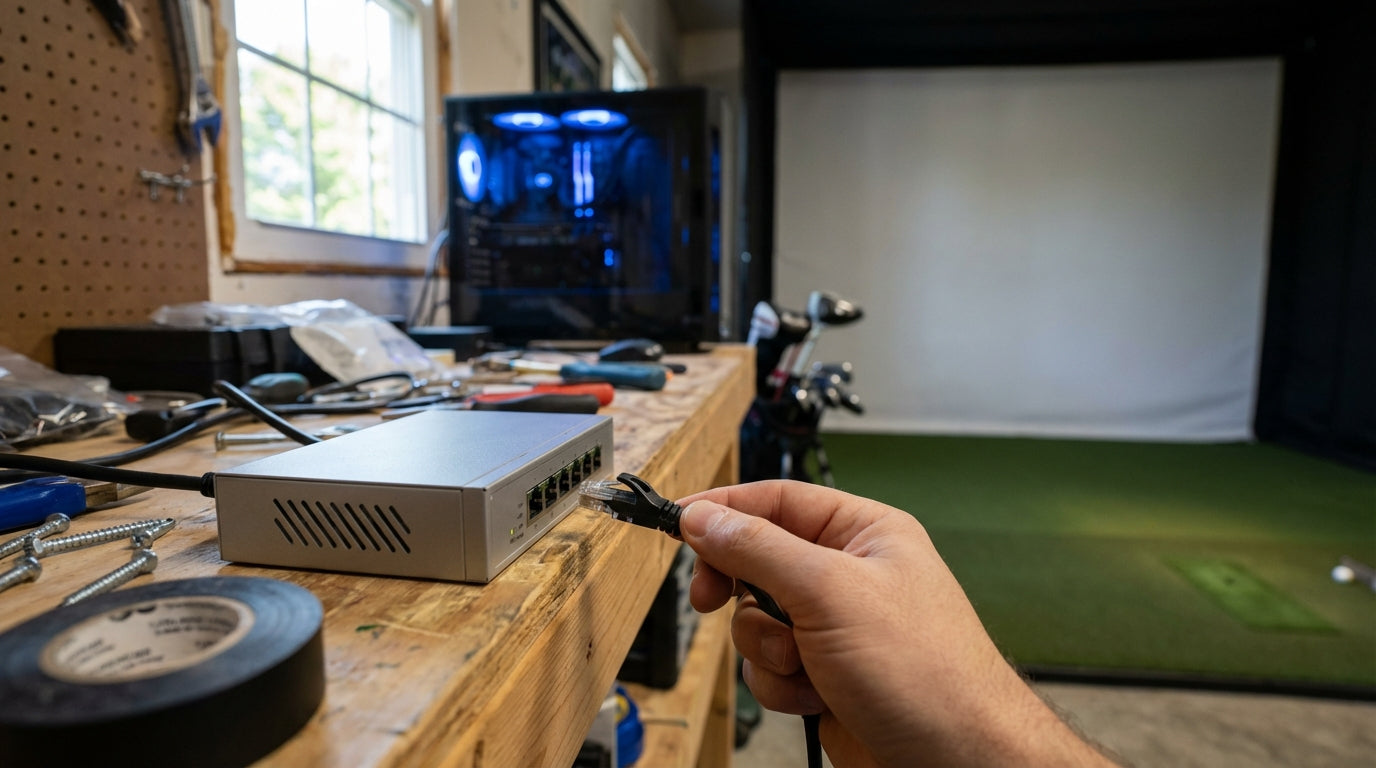
Here's a number that'll make you rethink your setup: WiFi through a concrete garage wall can hit 50–80 ms of latency — up to 16 times higher than a direct Ethernet run. If you've ever had ball data freeze mid-swing or watched an online round stutter and desync, your network was probably the culprit, not your launch monitor.
Most golfers building a sim room obsess over screen size, launch monitor accuracy, and PC specs. Network setup gets treated like an afterthought. That's a mistake — especially if you play online, use cloud-based software, or stream to a TV in the same room.
Here's what actually matters for golf simulator room WiFi and network setup, backed by real latency data and documented RF attenuation research.
Why Your Network Matters More Than You Think
Modern golf simulator software isn't just running locally anymore. E6 Connect, GSPro, and TGC 2019 all have online multiplayer modes that require consistent, low-latency connections. Even single-player sessions that use cloud features, course downloads, or score syncing can suffer on a weak connection.
The issue usually isn't speed. Most home internet plans are plenty fast. It's latency and jitter — how consistently fast your connection responds, not just how much bandwidth it can push. A 200 Mbps WiFi connection with 50 ms of jitter will perform worse in online play than a 50 Mbps wired connection running at 5 ms every time.
Before you dial in your connectivity, make sure your software demands are mapped out. Our E6 Connect vs. GSPro vs. TGC 2019 comparison breaks down what each platform actually needs to run well — including online features.
Ethernet vs. WiFi: The Data Is Clear
Wired Ethernet is faster, more consistent, and more reliable in every measurable way for gaming and simulator use. The real-world gap is bigger than most people assume.
Ethernet connections deliver average latency of 1–5 ms, while WiFi ranges from 10–50 ms under typical conditions — a difference of up to 10x. (Source: How-To Geek / Apex Gaming PCs / Astound.com)
Even WiFi 6 — the newest consumer standard — doesn't close the gap when conditions aren't perfect. In a 2024 head-to-head test, a WiFi 6 connection averaged 60 ms ping with 20 ms jitter versus 16 ms ping and 7 ms jitter on Cat6 Ethernet — nearly 4x worse on wireless. (Source: network-supply.com, Ethernet vs. Wi-Fi Gaming Guide 2024)
For golf simulator use, jitter is the real killer. Shot data has to sync in real time. When packets arrive late or out of order, sessions stutter, scores don't record, and you get booted from multiplayer rounds mid-hole.
The Garage Wall Problem
Garage simulator rooms are the most popular home setup — and also the worst WiFi environment you can be in.
A 4-inch concrete wall attenuates a 2.4 GHz WiFi signal by at least 16 dB. At 5 GHz — the faster band most modern routers default to — the same wall causes up to 45 dB of signal loss. (Source: iBwave Blog / Keenetic WiFi Attenuation Guide)
Cinder block, brick, and poured concrete all behave similarly. If your router is in the house and your simulator is in the attached garage, you're likely dealing with a severely degraded signal — even when your phone shows three or four bars. Phones have far more sensitive antennas than the WiFi card in most gaming PCs.
If you're planning a garage build, the time to run a network cable is before the walls get finished. Our small garage golf simulator setup guide covers the full pre-build planning checklist.
By the Numbers: Average Latency by Connection Type
This chart shows real-world average latency for each connection scenario in a golf simulator room context. The difference between a direct Ethernet run and WiFi through a concrete wall is not subtle.
Average Latency by Connection Type (Golf Simulator Room Scenario)
Source: network-supply.com 2024 test data + iBwave attenuation research; garage WiFi figure based on documented concrete wall signal degradation
Packet loss compounds the problem. Packet loss of just 1–2% is enough to cause noticeable lag and quality issues in gaming — and WiFi is significantly more susceptible than wired Ethernet due to RF interference. (Source: Fortinet / IR.com / Comparitech) One or two lost packets per hundred doesn't sound like much until it's your shot data that got dropped and your round freezes mid-swing.
On the bandwidth side: golf simulator software requires a minimum of 20–30 Mbps for basic online play and 100+ Mbps for HD streaming and multiplayer features. (Source: GolfersAuthority.com / MyGolfSimulator.com system requirements guide 2025) Most home internet plans clear that easily. Raw speed is not your problem. Signal consistency is.
Your Options: Wired vs. Wireless at a Glance
Wired vs Wireless Options for Golf Simulator Rooms
Swipe to compare →
| Connection Type | Avg Latency | Packet Loss Risk | Approx. Setup Cost | Best For |
|---|---|---|---|---|
| Cat6 Ethernet (direct run) | 1–5 ms | Near zero | $20–$60 cable + labor | Permanent installs, best performance |
| Cat6 + Network Switch | 1–5 ms | Near zero | $30–$120 total | Multi-device rooms (PC + TV + launch monitor) |
| WiFi 6 (router nearby) | 15–25 ms | Low–Moderate | $0 (existing router) | Temporary setups, low-traffic hours only |
| WiFi 5 (through drywall) | 25–45 ms | Moderate | $0 | Not recommended for online play |
| WiFi (garage concrete wall) | 50–80 ms | High | $0 | Not recommended — signal severely degraded |
| Powerline Adapter | 10–30 ms | Low–Moderate | $40–$80 | When running cable isn't possible |
How to Run Ethernet to Your Simulator Room
The cleanest solution is a direct Cat6 cable run from your router (or a switch near it) to the sim room. Cat6 handles gigabit speeds and is the current residential standard. Expect to spend $20–$60 on cable and connectors for a typical run.
For finished walls, a run along baseboards or through the attic is usually cleaner than fishing through drywall. For garage setups, a short conduit section along an exterior wall keeps it neat and protects the cable.
Use a Network Switch for Multi-Device Rooms
A quality 8-port gigabit unmanaged switch costs under $50 — mid-range 2.5G switches run $70–$120. (Source: TechRadar Best Network Switches 2025) Run one Ethernet drop to the room, plug in the switch, and you can wire your simulator PC, launch monitor, and TV simultaneously. No WiFi anywhere in the sim room.
Your simulator PC needs a gigabit Ethernet port — most modern motherboards include one. Our golf simulator PC specs guide covers exactly what to look for in a build so your hardware and network work together properly.
When Cable Isn't Possible: Powerline Adapters
Powerline adapters use your home's existing electrical wiring to carry a network signal. Latency runs 10–30 ms, packet loss is low, and setup takes under 10 minutes. At $40–$80 for a pair, they're the best fallback when running cable isn't an option right now.
A Few Router Placement Tips If You're Still on WiFi
If you're not ready to run cable yet, squeeze more performance out of your current setup:
- Use 2.4 GHz over 5 GHz through walls — lower frequency penetrates better, even at slower max speeds
- Reduce interference — keep the router away from microwaves, cordless phones, and smart home hubs
- Elevate the router — signals spread outward and slightly downward from a higher position
- Check your WiFi channel — overlapping channels from neighbors kill performance; a free WiFi analyzer app finds the clearest channel in seconds
These are damage-control moves, not permanent fixes. Ethernet is the fix.
The Bottom Line
Your network doesn't get the same attention as your launch monitor or impact screen — but it should. One Cat6 cable run and a $40 switch will do more for your simulator experience than most hardware upgrades you're probably considering.
While you're dialing in your setup, make sure the other half of your room is just as solid. Browse our full lineup of golf simulator impact screens — built for serious home setups that perform as well as they look.
Not sure which simulator fits your room?
The two-minute Simulator Finder Quiz checks your space and budget against every system we carry.


Keep Reading
Related guides

golf simulatorGolf Impact Screen for a Two-Car Garage: How to Size, Center, and Hang One Across the Wide Bay

golf simulatorGolf Impact Screen Max Ball Speed Rating: What Your Screen Really Survives at 110+ MPH

corner setupGolf Simulator Impact Screen for a Corner Setup: How to Angle It Without Wrecking Your Bounce-Back