
E6 Connect
E6 Connect vs GSPro vs TGC 2019: How to Choose Golf Simulator Software for Your Setup
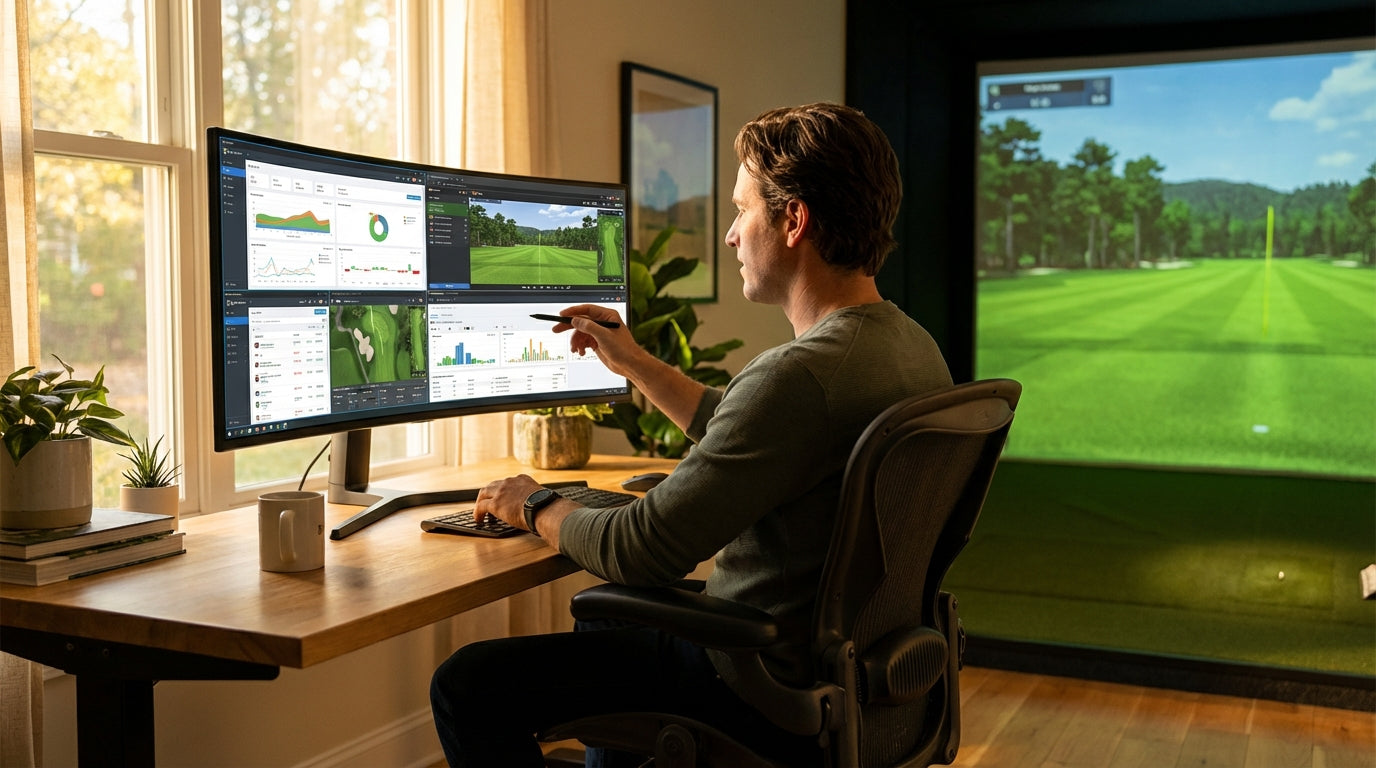
Most golfers spend months agonizing over launch monitors and screen materials, then pick their simulator software in about fifteen minutes. That's backwards. The software is what you'll stare at every single session — and the differences between E6 Connect, GSPro, and TGC 2019 are bigger than most people realize. GSPro now hosts over 2,000 LiDAR-scanned courses included in a $250/year subscription — nearly 20 times more than E6 Connect at a lower annual price. (Source: GSPro Official Website) Before you commit to a platform, here's what the data actually says.
The Quick Answer
GSPro wins on value for home users. E6 Connect is the pro's choice for commercial installs and TrackMan setups. TGC 2019 is a sunsetting platform — functional offline, but its online multiplayer servers are scheduled to shut down permanently in October 2025.
Most home sim builders should be on GSPro. But your launch monitor might change that answer entirely. Keep reading.
What You're Actually Paying
The pricing structures couldn't be more different. GSPro is $250/year, flat — no tiers, no upsells, no fine print. E6 Connect starts at $300/year but the expanded tier — the one with full course access — climbs to $600/year. TGC 2019 is a $985 one-time purchase, which sounds appealing until you realize you're buying into a platform that's actively winding down.
Annual Software Cost Comparison (Home User, Base Tier)
Source: GSPro official site; Golfers Authority E6 cost breakdown; ShopIndoorGolf TGC 2019 listing
Course Libraries: Where GSPro Changes the Conversation
For most golfers, course variety is the single biggest deciding factor — and this is where GSPro absolutely dominates.
GSPro's 2,000+ courses are LiDAR-scanned, meaning terrain data comes from actual laser measurements of real courses. The result is consistently accurate elevation, slope, and contour. The community keeps adding more, and there's no sorting through junk to find the worthwhile ones.
E6 Connect's ~100 courses are all professionally built. Fewer, but every one is polished and consistent. If you cycle through the same 10–15 courses on rotation anyway, E6 makes a credible case for itself.
TGC 2019's 150,000+ user-built courses look impressive on paper, but quality varies wildly. Some are excellent recreations of real layouts. Many are not. You'll spend real time sorting through them.
Hardware Compatibility: The Most Skipped Research Step
This is the most practically important section, and the one most buyers skip before purchasing.
GSPro officially supports 27 launch monitors — the widest hardware net of any platform. The catch: no official SkyTrak or TrackMan support. SkyTrak requires a community workaround, and TrackMan users are essentially excluded from GSPro altogether. (Source: My Golf Simulator compatibility guide)
E6 Connect supports 15+ devices and is the only major platform with full, native TrackMan 4 integration. If your launch monitor is a TrackMan, E6 is your only serious option. E6 also runs natively on iPad — the only major sim software to do so — though its 2.6/5 average from 306 App Store reviews suggests the mobile experience still has persistent bugs to work out. (Source: AppReplays review aggregator)
TGC 2019 requires third-party GSX middleware for most hardware connections, adding cost and setup complexity. It's the most restrictive of the three by a wide margin.
Still deciding on your launch monitor? Our breakdown of the Garmin R10 vs SkyTrak+ covers two of the most popular home-sim options and which software each pairs with best.
Online Multiplayer and Long-Term Viability
GSPro runs the Simulator Golf Tour (SGT) — an active online tournament league that's built a real community around the platform. Competitive online play is a core part of the GSPro experience, and it keeps growing.
E6 supports up to 8 players with peer-to-peer multiplayer and organized events. Solid, stable, and actively developed with regular updates.
TGC 2019 is a different story. It was delisted from Steam on October 30, 2024 and its online multiplayer servers are scheduled to shut down permanently on October 30, 2025. (Source: Steam Store Page and ShopIndoorGolf) Functional for offline solo play — but if online multiplayer is anywhere on your list, this platform is done.
By the Numbers: What Buyer Data Actually Shows
In a buyer satisfaction survey, 70% of TGC 2019 owners said they'd purchase it again, edging out E6 Connect's 60% repeat-buy rate. But GSPro dominated total ownership share with nearly twice as many survey respondents as E6 — reflecting where the sim community has consistently moved. (Source: Yardstick Golf buyer survey)
TGC 2019 earned a 75% positive rating from 2,463 Steam reviews and a Metacritic score of 72 from professional game critics. (Source: Steam Store Page and Metacritic) Those scores reflect TGC's origins as a consumer video game first — which explains the polish but also the hardware limitations and sunset trajectory.
GSPro's ownership dominance isn't just a data point — it reflects a platform that keeps attracting new buyers because the $250/year value proposition is genuinely hard to argue with.
E6 Connect vs GSPro vs TGC 2019 — Side-by-Side Comparison
Swipe to compare →
| Feature | E6 Connect | GSPro | TGC 2019 |
|---|---|---|---|
| Pricing | $300–$600/yr (home); $2,500+ commercial | $250/yr flat | $985 one-time |
| Course Library | ~100 professionally built | 2,000+ community LiDAR courses | 150,000+ user-built (quality varies) |
| Course Quality | Consistent — all pro-built | High — LiDAR scanned | Highly variable |
| Supported Launch Monitors | 15+ (incl. TrackMan 4, SkyTrak) | 27 (no official SkyTrak/TrackMan) | Limited — requires GSX middleware |
| Platform | Windows + iPad (iOS) | Windows only | Windows only |
| Online Multiplayer | Yes — peer-to-peer + events | Yes — SGT tournament league | Yes — servers ending Oct 2025 |
| Active Development | Yes | Yes | No (sunset) |
| Best For | Commercial installs, TrackMan users, iPad users | Home users, value seekers, course variety | Legacy buyers, offline-only use |
Which Platform Should You Actually Choose?
Choose GSPro if: You're building a home setup and want maximum course variety at the lowest annual cost. Your launch monitor is a Mevo+, Bushnell Launch Pro, Garmin R10, or most other mid-range devices. You want an active online community and tournament play.
Choose E6 Connect if: You have a TrackMan, you're running a commercial simulator bay, or you want consistent pro-built courses without sorting through user-generated content. Also the only major option if you need native iPad support.
Skip TGC 2019 if: Online play matters to you at all. You want active software updates and a platform with a future. For offline-only buyers who caught a discount deal, it's still functional — but buying new in 2026 is genuinely hard to recommend.
Whatever software you pick, it's only as good as the screen you're projecting it onto. Our 2026 impact screen buyer's guide covers the material grades and sizing that make the biggest visual difference at home. And before you commit, make sure your PC can handle your chosen platform — our golf simulator PC specs guide breaks down exactly what each software demands from your hardware.
Ready to finish the setup? Browse our full impact screen collection — built for home simulator installs, with sizes and materials that work with every platform on this list.
Not sure which simulator fits your room?
The two-minute Simulator Finder Quiz checks your space and budget against every system we carry.


Keep Reading
Related guides

golf simulatorGolf Impact Screen for a Two-Car Garage: How to Size, Center, and Hang One Across the Wide Bay

golf simulatorGolf Impact Screen Max Ball Speed Rating: What Your Screen Really Survives at 110+ MPH

corner setupGolf Simulator Impact Screen for a Corner Setup: How to Angle It Without Wrecking Your Bounce-Back