
golf simulator
Golf Simulator PC Specs: How to Build the Right Machine for Your Software
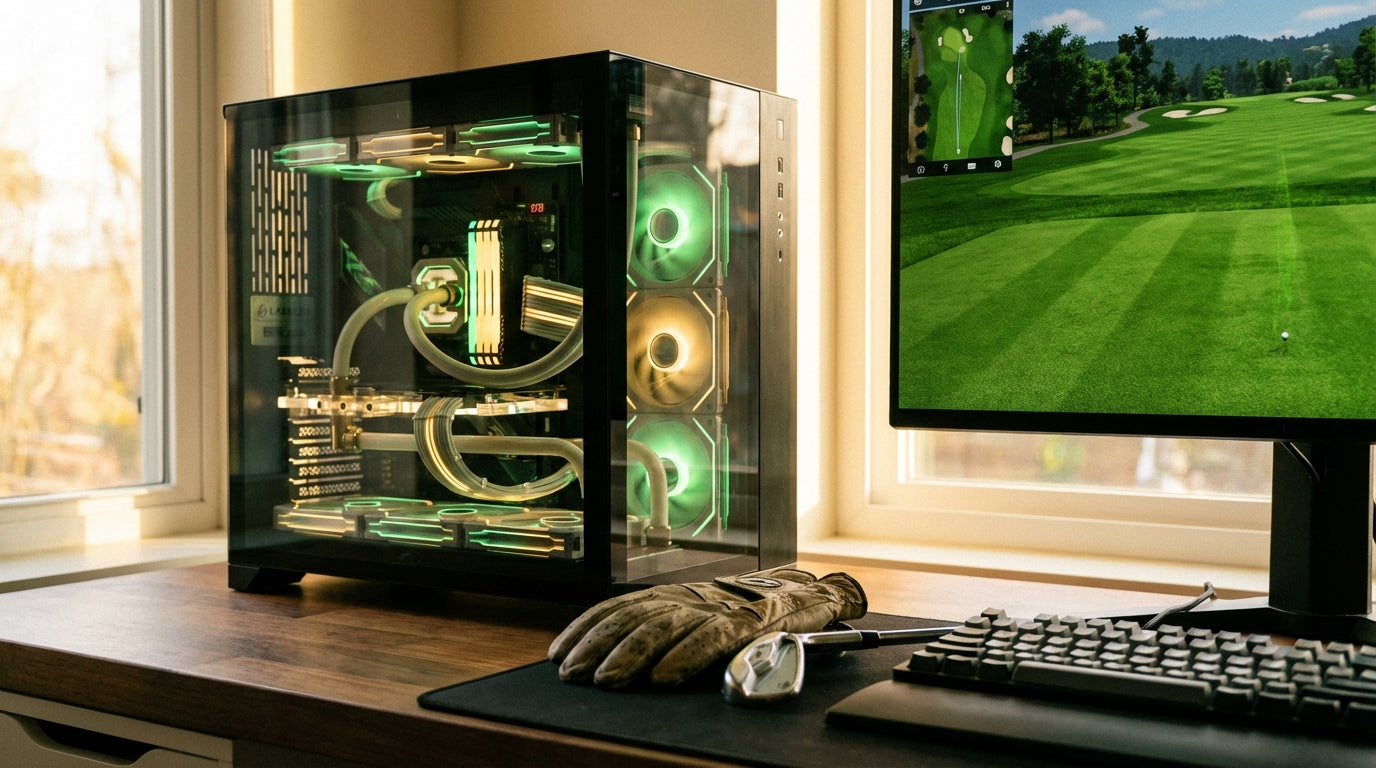
Here's a number that should stop you mid-scroll: Trackman requires a minimum of 32GB RAM — that's four times more than what GSPro and E6 Connect need to run. (Source: Trackman Support — Required PC Specs for Trackman 4 & iO) Build a PC around the wrong software and you're either burning money on overkill specs or hitting hard performance walls on day one. The specs aren't one-size-fits-all. They're entirely software-dependent.
This guide breaks down exactly how to build golf simulator PC specs the right way — matched to your software platform, your resolution target, and your actual budget.
Step One: Lock In Your Software Before You Touch a Parts List
Most people open a budget spreadsheet first and fit the software in later. That's backwards.
Your simulator software sets the floor for every component in the build. GSPro and TGC 2019 are genuinely forgiving — entry-level GPUs and 16GB RAM handle them without issue. Trackman HD is a completely different machine. And Foresight Sports FSX has a hard technical requirement that catches people off guard: it only supports NVIDIA GPUs and Intel CPUs — AMD isn't compatible at all, full stop. (Source: Foresight Sports Official Support Docs)
So before you open a single browser tab on PC components, answer one question: what launch monitor are you running, and what software does it use?
GPU — The Component That Eats Your Budget (For Good Reason)
The GPU is where most of your build dollars go, and resolution is the reason.
Moving from 1080p to 4K isn't a small step up — 4K requires four times the pixel count, meaning a GPU that runs GSPro smoothly at 1080p will genuinely struggle at 4K even with graphics dialed down. (Source: Home Performance Lab — Golf Simulator PC Requirements 2026) If you're projecting onto a large impact screen in a dedicated simulator space, that difference is visible.
In hard numbers: GSPro's minimum GPU is a GTX 970 with 4GB VRAM for 1080p. Trackman's minimum for HD is an RTX 4070 Ti — roughly 10x more powerful and 5–6x more expensive. (Source: GSPro Official Knowledge Base and Trackman Support) Same sport, completely different hardware floor.
Here's how GPU tier requirements stack up across the major simulator platforms:
Recommended GPU Tier by Simulator Software (Performance Level Index)
Source: GSPro Knowledge Base, Trackman Support, Foresight Sports Support, TruGolf E6 Connect Specs, ProTee TGC 2019 Requirements. Scale: 1 = entry GTX 1060, 10 = RTX 4090.
RAM, CPU, and Storage — Don't Overspend, Don't Undercut
For GSPro, E6 Connect, and TGC 2019, 16GB of DDR5 RAM is the right call. The jump to 32GB only becomes mandatory when you're running Trackman — its AI Motion Analysis feature alone requires 16GB, pushing the total system requirement to 32GB minimum. (Source: Trackman Support) Don't buy 32GB for a GSPro build just because it sounds better on paper.
Storage has an outsized impact on the in-simulator experience. GSPro course files run around 1GB each, and course load times on a spinning hard drive are approximately 7x slower than on an NVMe SSD. (Source: Home Performance Lab — Golf Simulator PC Requirements 2026) A $60–80 NVMe drive is one of the highest-ROI decisions in any simulator build. Waiting 45 seconds for a course to load kills the session flow.
CPU matters less than GPU in this context. You're rendering courses and processing launch monitor data — not running a real-time physics engine. An i5 or Ryzen 5 handles GSPro and E6 Connect without issue. Step up to an i7 or Ryzen 7 for 4K builds or Trackman.
By the Numbers — What the Data Actually Says
A few data points worth knowing before you finalize any build decisions:
- A budget 1080p PC build targeting GSPro or E6 Connect runs approximately $940–$1,105. The full simulator setup — including launch monitor and enclosure — typically runs $3,000–$7,000, making the PC roughly 15–30% of overall spend. (Source: Home Performance Lab — Golf Simulator PC Requirements 2026)
- Trackman's minimum GPU is an RTX 4070 Ti. GSPro's minimum is a GTX 970. That gap — 10x in GPU performance, 5–6x in price — is why software choice drives the entire build. (Source: GSPro Knowledge Base and Trackman Support)
- Foresight Sports FSX is NVIDIA and Intel only. If you were planning an AMD build around FSX software, you need to redesign before ordering anything. (Source: Foresight Sports Official Support Docs)
- 4K isn't incremental — it's four times the rendering load on your GPU. Budget for it explicitly, or target 1080p with confidence. Don't land halfway. (Source: Home Performance Lab)
If you haven't settled on a launch monitor yet, your software choice flows directly from that decision. Our Garmin R10 vs SkyTrak+ breakdown covers the software and hardware implications of each option.
Build Tiers — What to Actually Buy in 2025–2026
Here's what these builds look like in real components and real dollars:
Golf Simulator PC Build Tiers — Component Specs & Estimated Cost (2025–2026)
Swipe to compare →
| Build Tier | Key Components | Estimated PC Cost |
|---|---|---|
| Budget (1080p) | RTX 5060 8GB, i5/Ryzen 5, 16GB DDR5, 1TB NVMe | $940–$1,105 |
| Mid-Range (1080p Ultra / Entry 4K) | RTX 5070 12GB, i7/Ryzen 7, 32GB DDR5, 2TB NVMe | $1,395–$1,880 |
| High-End (4K Ultra / Trackman-ready) | RTX 5080 16GB, Intel Core Ultra 7, 32GB DDR5, 2TB NVMe | $2,110–$2,770 |
| Trackman Minimum (HD) | RTX 4070 Ti, Intel i7 3.4GHz, 32GB RAM, 1TB NVMe SSD | ~$1,800–$2,200 |
The budget tier handles GSPro and TGC 2019 at 1080p without hesitation. Mid-range opens up 1080p Ultra settings and entry-level 4K. High-end gets you 4K Ultra across any software platform. The Trackman tier is a minimum bar to clear — you're meeting requirements, not building a luxury rig.
If you're working with a tighter overall budget, our guide on building a complete simulator under $2,500 covers how to allocate across the full setup — PC, launch monitor, screen, and enclosure — without blowing the budget on any single component.
The Screen Is the Other Half of Image Quality
A 4K-ready PC projecting onto the wrong screen is wasted resolution. Your impact screen material matters just as much as your GPU when it comes to final image quality — brightness, sharpness, and color accuracy all live in the screen, not the computer.
If you're still working out which screen material is right for your setup, our guide on choosing between Standard, Preferred, and Premium impact screen material walks through the real differences. Getting the screen right means your PC build actually delivers what it's capable of.
The decision tree for the PC is simple: pick your software first, check its official hardware requirements, build to those numbers. Don't buy 32GB RAM for a GSPro build. Don't run Foresight FSX on AMD hardware. And don't build for 4K if your room and screen can't take advantage of it. Match the machine to the mission.
Ready to Complete Your Setup?
Once the PC is sorted, the screen is the next piece. Browse our Carl's Place impact screens — built for serious home simulator setups that demand real projection quality, not a practice net with a bungee cord.
Not sure which simulator fits your room?
The two-minute Simulator Finder Quiz checks your space and budget against every system we carry.


Keep Reading


