
golf simulator
Golf Simulator Impact Screen Brightness Requirements: How to Match Your Screen and Projector
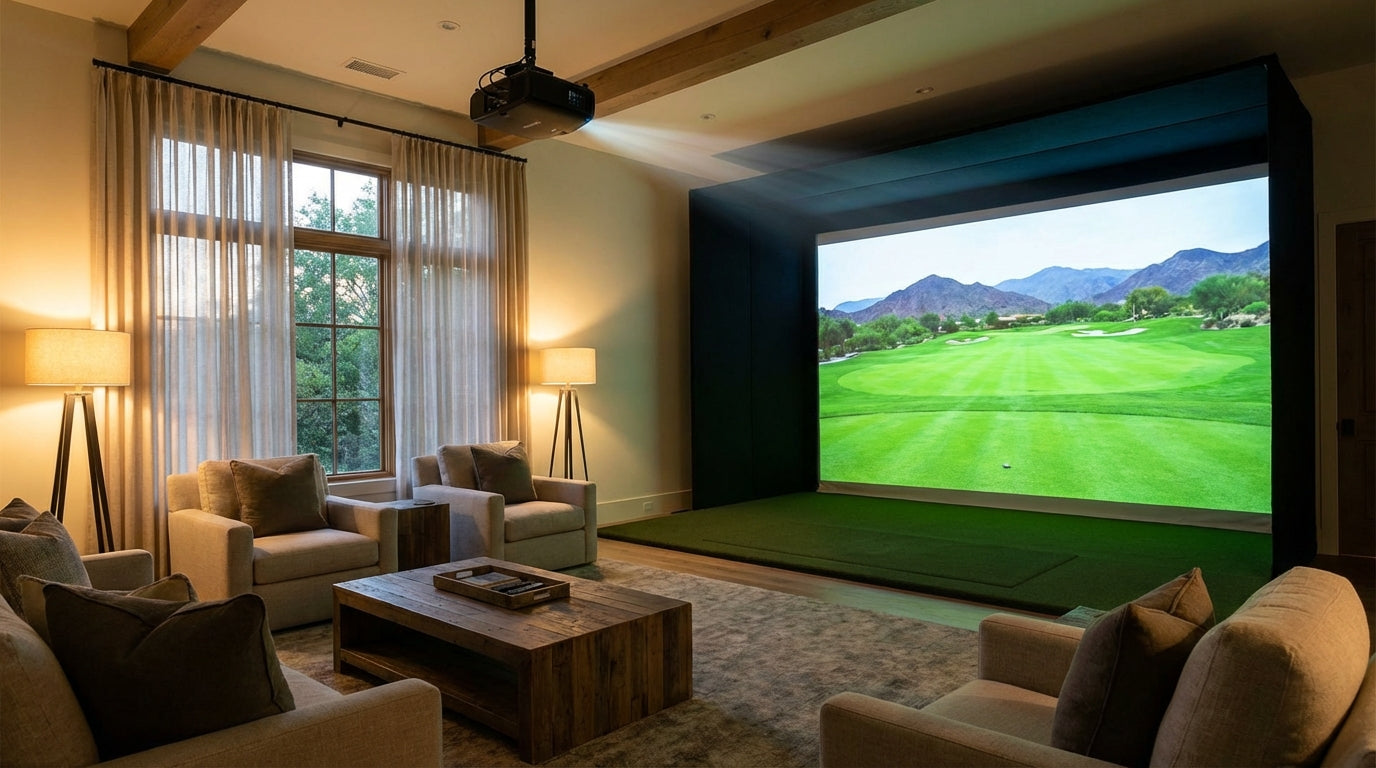
Here's a number that stops most buyers cold: a 16-foot impact screen in a room with decent windows needs approximately 7,500 lumens at noon — but only 3,500 lumens at night. (Source: Carl's Place – Choosing a Projector for a Golf Simulator Setup)
Same screen. Same room. More than double the projector requirement because the sun is up.
Golf simulator impact screen brightness requirements are one of the most misunderstood parts of building a setup. It's not a single number on a projector box. It's a system driven by your screen material's gain rating, your room's ambient light, and your screen size. Get any one wrong and no amount of budget fixes a washed-out image.
Building one now? BenQ TH671ST short-throw projector — from $949.
Here's exactly how it works — and how to pick the right combination for your room.
The Baseline: What Minimum Lumens Actually Means
Before room lighting or screen material enter the picture, there's a hard floor.
Golf simulator projectors need a minimum of 3,000 lumens for a 10-foot screen. Once you're at 12 feet wide or larger, that jumps to 4,000–5,000 lumens minimum from a laser projector — and that's in a reasonably controlled environment. (Source: Carl's Place Blog & ProjectorCentral – Golf Simulator Projector Guide)
The range where serious builders land is 5,000–8,000 lumens. At that level, ambient lighting stops being a constant source of image degradation and becomes manageable. (Source: My Golf Simulator – Best Golf Simulator Projectors 2025)
If you're still in the projector research phase, our full projector guide covering throw ratio, lumens, and resolution breaks down exactly how to evaluate specs before committing.
Free tool — 30 seconds
Where should your projector go?
Pick your projector and screen size — get the exact mounting distance, image size, and brightness for your build. No math required.
Open the projector calculator →Why Your Screen Material Changes the Lumen Math
Here's the part most buyers skip entirely: your screen's gain rating directly affects how bright the image looks — and therefore how many lumens your projector needs to compensate.
Gain is a multiplier. A 1.0 gain screen reflects light evenly in all directions. A 0.6 gain screen reflects 40% less light back toward the viewer than a standard white surface. High-Contrast (HC) Gray impact screens run at approximately 0.6 gain. (Source: ProjectorCentral – What Is Screen Gain?)
That's not a flaw — it's the trade-off that makes HC Gray useful in rooms with ambient light. These screens absorb off-axis light better than white screens: the stuff bouncing around your room from windows and ceiling fixtures that washes out the image. The result is better perceived contrast and punchier colors even in imperfect rooms.
The cost: you need a significantly brighter projector to compensate. A white screen that works at 3,000 lumens in your room needs 4,000–4,500 lumens with HC Gray in the same conditions. The screen doesn't reduce your projector's workload — it just handles ambient light better once your projector delivers enough raw output.
Not sure which material makes sense for your space? This breakdown of Standard vs. Preferred vs. Premium screen materials covers the full comparison.
How Room Lighting Shifts Everything
Ambient light is the variable that surprises people most after everything is already installed.
Sunlight through a window, overhead LEDs, light spilling under a door — all of it competes directly with your projector output. The more your room works against you, the more lumens you need just to maintain baseline image quality.
The benchmark to aim for: 50 foot-lamberts of on-screen brightness whenever any ambient light is present. (Source: BenQ US – Golf Simulator Lighting: Brightness, Ambient Control & Tips) Work backward from that number — your projector's lumens, screen gain, and ambient light level all feed into whether you hit it.
There's also a tension most setup guides skip completely: your launch monitor's high-speed cameras need the hitting zone illuminated to 50–100 foot-candles (500–1,000 lux) to capture ball data accurately. (Source: Indoor Golf Supply – Golf Simulator Lighting Guide) The brighter you light the hitting zone for camera accuracy, the more it washes out your screen image. More projector lumens solve both problems — but only if you sized for it upfront.
If you're already dealing with a washed-out image, this guide on ambient light problems walks through exactly how to diagnose and fix it.
By the Numbers: What the Data Actually Shows
- 3,000 lumens minimum for a 10-foot screen in a light-controlled room — most buyers treat this as a ceiling. It's a floor. (Source: Carl's Place Blog & ProjectorCentral)
- 7,500 vs. 3,500 lumens — the difference between playing at noon and playing at night on the same 16-foot screen with windows. That's not a spec difference. That's a room difference. (Source: Carl's Place – Choosing a Projector for a Golf Simulator Setup)
- 0.6 gain on HC Gray screens vs. 1.0 on white — 40% less reflected light, meaning proportionally higher lumen requirements from your projector. (Source: ProjectorCentral – What Is Screen Gain?)
- 5,000–8,000 lumens — the range where ambient lighting stops forcing compromises on image clarity. This is where serious setups operate. (Source: My Golf Simulator – Best Golf Simulator Projectors 2025)
Recommended Minimum Projector Lumens by Room Lighting Condition
Source: Carl's Place Blog, BenQ Golf Simulator Lighting Guide, ProjectorCentral
Screen Tier vs. Projector Requirements: The Full Picture
Here's how Carl's Place impact screen tiers map to real projector lumen requirements across different room conditions.
Carl's Place Impact Screen Tier vs. Projector Requirements
Swipe to compare →
| Screen Tier | Surface Gain | Min Lumens – Dark Room | Min Lumens – Ambient Light | Best For |
|---|---|---|---|---|
| Standard | ~1.0 | 2,500 | 4,000 | Budget builds in light-controlled rooms |
| Preferred | ~1.0 | 2,500–3,000 | 4,000–4,500 | Home simulators wanting HD image quality |
| Premium (White) | ~1.0 | 3,000 | 4,500 | 4K clarity, commercial or high-use installs |
| Premium HC Gray | ~0.6 | 4,000–4,500 | 6,000–6,500 | Rooms with overhead lights or window exposure |
Notice that Standard and Preferred screens run nearly identical lumen requirements — both sit at ~1.0 gain. The step change happens at HC Gray. That 0.6 gain demands significantly more from your projector in every lighting condition, dark room or otherwise.
Don't choose HC Gray expecting a 3,000-lumen budget projector to keep up. The screen helps manage ambient light — it doesn't generate brightness. Your projector still has to deliver enough raw output to hit your target.
Matching Screen to Room: The Decision Framework
Dedicated room, fully light-controlled: Any screen tier works. Standard or Preferred at 2,500–3,000 lumens is plenty. HC Gray is overkill unless you specifically want maximum contrast in a dark room.
Finished basement or garage with overhead lighting: Budget 4,000–4,500 lumens. White screen tiers perform well. HC Gray starts to show its advantage if you play with ceiling lights on.
Room with windows you can partially control: 5,000+ lumens regardless of screen material. HC Gray is worth serious consideration — its ambient light rejection is noticeably better here.
Daytime play, large windows, no blackout option: 7,000+ lumens minimum. HC Gray paired with a 6,000–8,000 lumen laser projector is the only combination that holds up consistently.
Don't Forget the Screen Size Factor
A larger screen spreads the same lumen output across more surface area — which drops brightness per square foot. A projector that looks great on a 10-foot screen will look noticeably dimmer on a 14-foot screen with no other changes to the setup.
If you're sizing up your screen, size up your projector budget at the same time. They scale together, and getting both right from the start is what separates setups that look great from ones that merely function.
The Bottom Line
Golf simulator impact screen brightness requirements aren't one number — they're a system. Screen gain, room ambient light, and screen size all interact to set the real lumen floor for your specific setup.
Match those variables correctly and your image looks sharp, colorful, and consistent no matter what time of day you're playing. Miss any one of them and you're chasing a fix that might not exist at your projector's rated output.
Ready to pick the right screen for your room? Browse our full line of Carl's Place impact screens here — Standard, Preferred, Premium White, and Premium HC Gray, in sizes to fit any bay.
Related reading: Golf Simulator Impact Screen Fire Retardant Rating: What 'Fire-Rated' Actually Has to Prove


Not sure which simulator fits your room?
The two-minute Simulator Finder Quiz checks your space and budget against every system we carry.

Keep Reading
Related guides

golf simulatorGolf Simulator Hitting Mat Sizing Guide: Exact Dimensions for 10x12, 12x15, and 16x18 Rooms

golf simulatorGolf Simulator Enclosure Cost to Build: Every Line Item, DIY vs Pre-Made (2026 Numbers)

golf simulatorGolf Simulator Room Electrical Plan: Where Every Outlet Goes Before the Frame Closes Up