
golf impact screen distance from wall
Golf Impact Screen Distance From Wall: How Much Gap to Leave (and Why)
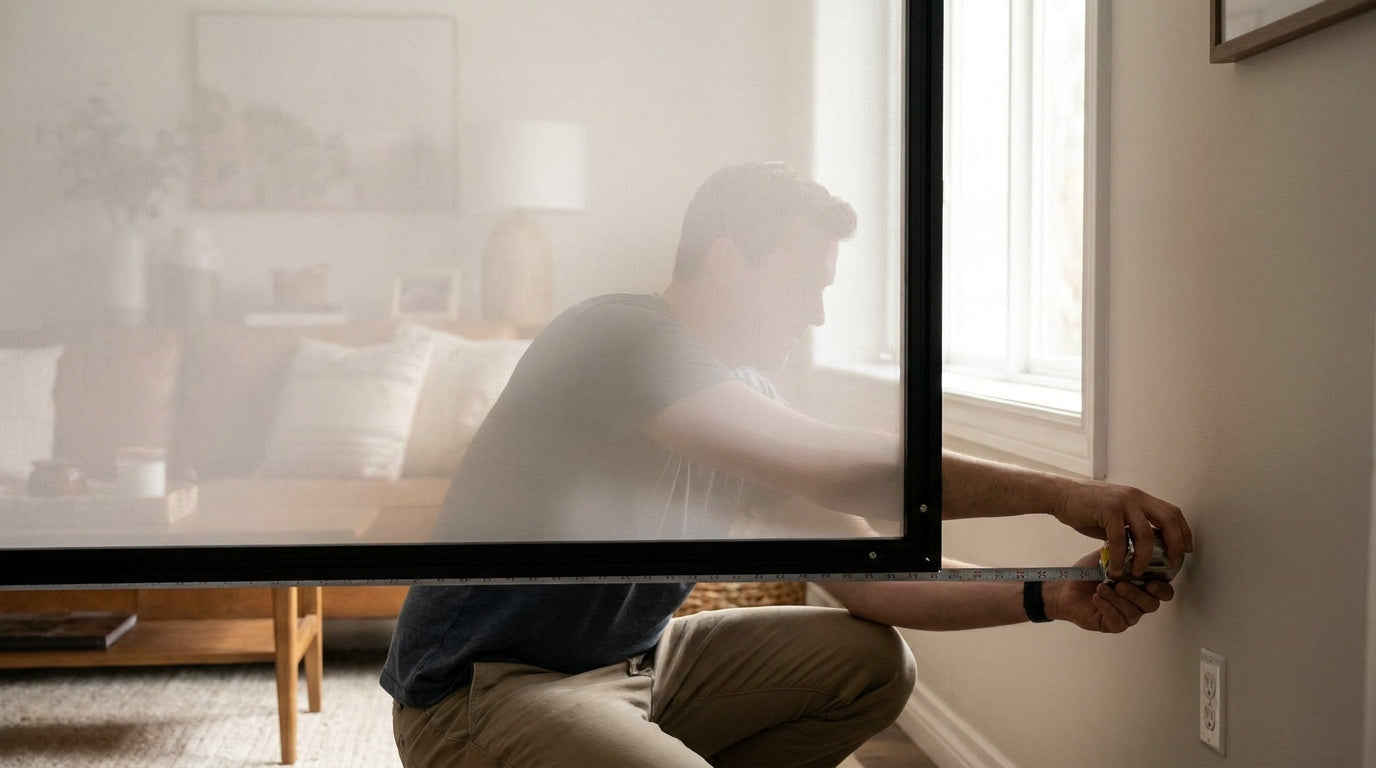
Here's a number that surprises most first-time builders: a driver-struck ball should rebound only 1 to 3 feet off a properly tensioned screen (Source: Yardstick Golf / SimSpace Golf). If yours comes screaming back at your shins, the problem usually isn't the screen at all — it's what's directly behind it.
Your impact screen doesn't stop a ball cold. It bellies. It flexes several inches backward on every hit, soaks up the energy, and lets the ball drop. But if the wall behind it is too close, that flex slams the ball into drywall, and the wall punts it straight back through the screen toward you. Getting the golf impact screen distance from wall right is the cheapest insurance in your entire build — and it costs literally nothing but space.
The Short Answer: 12 to 18 Inches
The general rule of thumb is to leave at least 12 inches (30 cm) between the impact screen and the wall behind it, with 12–18 inches being the recommended range (Source: Golf Simulator Advisor / SimSpace Golf).
Ready to shop impact screens?
Browse the full Carl's Place lineup — every screen ships ready to mount with real size specs.
Shop Carl's Place Impact Screens →Think of that gap as the screen's runway. When a ball hits at speed, the fabric stretches back into the empty space and decelerates the ball gradually instead of all at once. No empty space means no deceleration — just a hard ricochet.
Twelve inches is the floor. If you have the room, 18 is better. Almost nobody regrets giving the screen a little extra room to breathe.
Why Too Little Clearance Bites Back
A minimum of 12 to 16 inches of clearance is advised specifically because even a heavy-duty impact screen will "belly" or deform several inches on impact — and if it touches the wall, the ball ricochets off the wall, back through the screen, and toward the golfer (Source: Yardstick Golf).
That's the whole danger in one sentence. The screen isn't failing; it's doing its job and running out of road.
Tension makes this worse in both directions. An over-tightened screen acts like a springboard and flings the ball back at you, while too little rear clearance lets it bottom out against the wall and return harder (Source: Yardstick Golf / SimSpace Golf). If your bounce-back feels violent, check your gap before you blame anything else — then check your tension. We break the second half down in our impact screen tensioning system guide.
Your Mounting Style Changes the Number
Not all screens flex the same amount, so the required standoff scales with how freely your screen can move.
A screen framed or attached on all sides needs roughly 30 cm (12 in) of standoff, because the frame limits how far it can deform. A screen hung free — attached only at the top and one side — needs at least 50 cm (~20 in), since it swings and bellies much more on impact (Source: Complete Golf Store / Golf Simulator Advisor).
This is one more reason serious builders lean toward rigid setups. If you're still deciding, our breakdown of roll-up vs fixed frame screens covers why fixed frames win on safety and consistency.
What the Data Says
Pull the numbers together and the picture is clear: clearance is not a place to cut corners.
- Baseline standoff: 12 inches minimum, 12–18 in recommended (Source: Golf Simulator Advisor / SimSpace Golf)
- Safe rebound off a dialed-in screen: 1 to 3 feet (Source: Yardstick Golf / SimSpace Golf)
- Free-hanging screens: ~20 inches of clearance required (Source: Complete Golf Store)
- Adhesive foam wall padding: about $92.39 for an 8-pack as a backstop (Source: Impact Sports Store)
Recommended Impact Screen-to-Wall Clearance by Setup Type
Source: Golf Simulator Advisor, SimSpace Golf, Complete Golf Store
When You Can't Spare the Space: Wall Padding
Sometimes the room just won't give you 18 inches. A tight garage bay or a finished basement with a structural wall behind the screen forces a compromise. That's where rear padding earns its keep.
Premium memory-foam simulator wall padding runs roughly 3-1/16 inches thick and attaches with memory-foam mounting pads, adding several inches of impact absorption right where the ball wants to bottom out (Source: SIGPRO / Shop Indoor Golf). It won't fully replace clearance, but it turns a hard wall strike into a soft thud.
And it's affordable. Adhesive foam panels run about $92.39 for an 8-pack, premium impact foam panels about $375.39 for a 12-pack, and felt wall covering around $280.39 (Source: Impact Sports Store). For where each material belongs, see our full hitting bay wall padding guide.
Rear Protection Options: Clearance vs. Wall Padding
Swipe to compare →
| Solution | Approx. Spec | Approx. Cost / Note |
|---|---|---|
| Bare minimum standoff | 12 in (30 cm) | Free (space only) — highest risk if ball bottoms out |
| Recommended standoff | 12–18 in | Free (space only) — absorbs typical screen 'belly' |
| Adhesive foam wall padding | ~3 in thick, 8-pack | $92.39 |
| Premium impact foam panels | ~3 in thick, 12-pack | $375.39 |
How to Measure Your Gap Correctly
Measure from the resting face of the screen to the wall — not from the frame, not from the studs. The frame might sit 4 inches off the wall while the fabric sits further forward, so the number that matters is the fabric-to-wall distance.
Then account for the belly. If your screen flexes 6 inches on a hard hit and you've only left 8 inches, you're two inches from disaster. Leave margin beyond the rated minimum, especially if you swing driver indoors.
Clearance behind the screen also works hand-in-hand with how far you stand in front of it. Both distances shape how the ball behaves in the bay — our piece on how far to stand from a golf impact screen closes the loop on the front side.
The Bottom Line
Give your screen 12 inches minimum, 18 if you can, and 20 if it hangs free. If the room won't cooperate, back it with foam padding for under a hundred bucks. Do that, and your bounce-back stays in the safe 1–3 foot zone — and your screen, your wall, and your shins all live to play another round.
Building or upgrading your bay? Start with a screen rated to take the hit. Browse our impact screen collection and dial in your setup the right way.


Not sure which simulator fits your room?
The two-minute Simulator Finder Quiz checks your space and budget against every system we carry.

Keep Reading
Related guides

golf simulatorGolf Simulator Enclosure Lighting Plan: Where to Mount Fixtures So They Never Wash Out Your Screen

golf simulatorGolf Simulator Basement Conversion Checklist: The 7 Steps to Run Before You Buy Anything

DIY golf simulatorGolf Simulator Garage Build Cost Breakdown: Every Line Item at Three Budget Tiers