
golf simulator
How Many Lumens for a Golf Impact Screen? The Exact ANSI Ranges by Room and Screen
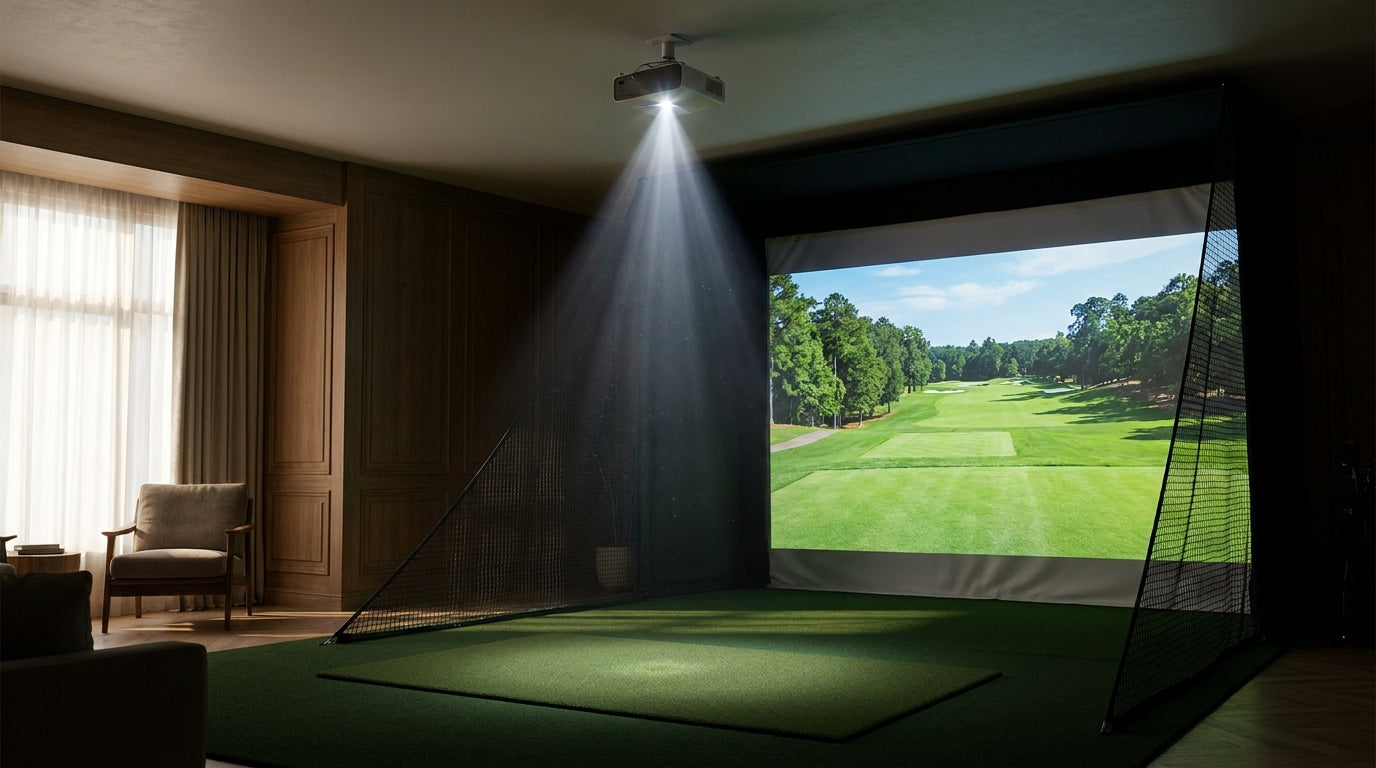
Here's the number most people get wrong on their first build: a dedicated, light-controlled sim room needs a minimum of about 3,000 ANSI lumens — but the second your screen gets wider than 12 feet or a little daylight sneaks in, that jumps to 4,000–5,000 ANSI lumens (Source: Carl's Place – Choosing a Golf Simulator Projector). Buy for the small, dark room you're imagining and you'll end up with a washed-out, gray-looking image the moment reality shows up.
So how many lumens for a golf impact screen do you actually need? It's not one number. It's a range that moves with your screen size, your screen material, and how much ambient light you're fighting. Let's pin down the exact figures.
Why Impact Screens Are Hungrier Than a Home Theater
Your impact screen is not a movie screen. It's woven, tensioned fabric built to eat a 150-mph golf ball — and that toughness comes at the cost of reflectivity.
Building one now? BenQ TH671ST short-throw projector — from $949.
Impact screens are less reflective than standard projector screens, so a sim needs more brightness than a home theater does. Experts advise at least 2,000 lumens in moderate ambient light, and 3,000–4,000+ ANSI lumens to genuinely cut through it (Source: ViewSonic Library – Choosing the Best Projector for Your Home Golf Simulator).
Translation: that 1,500-lumen projector gathering dust in your closet will technically throw a picture. It just won't throw a good one onto golf fabric.
The Number That Moves Everything: Screen Width
Brightness spreads out the bigger your image gets. Push the same projector onto a wider screen and every square inch gets dimmer.
A 3,000 ANSI lumen projector is a solid starting point for a smaller impact screen, but screens around 3 meters (~10 ft) or wider call for a 4,000+ lumen laser projector (Source: BenQ Golf Simulator Projector Buying Guide). Go bigger still and the top end climbs fast — premium builds running large 4K screens push around 5,100 lumens at 4K UHD, and 4K only becomes visibly worth it once the screen is 12 ft or wider and your brightness and placement are dialed in (Source: GolfingSim / BenQ LK830ST specifications).
If you're still sizing the screen itself, our projector screen size chart lays out the dimensions to lock in before you shop lumens.
Recommended Projector Brightness by Simulator Setup
Source: Compiled from Carl's Place, BenQ, and ViewSonic projector guides
Read that chart left to right and you can basically point to your own build. Small screen in a blacked-out basement? You live on the left. Wide screen in a garage with a window? You're camped on the right.
Screen material is half the brightness equation. Start with the right screen.
Shop Impact ScreensScreen Gain: The Hot-Spotting Trap
Lumens don't work alone. Your screen's gain decides how that light behaves once it lands.
A gain of 1.0 delivers neutral, even brightness. Bump to 1.3+ and you get more punch — but also hot-spotting, that annoying bright blob in the center with darker edges. Gray screens go the other way with negative gain, trading a little brightness for contrast (Source: Carl's Place – White or Gray Golf Impact Screens).
This is exactly why chasing raw lumens can backfire. Pair a very bright projector with a high-gain white screen and you'll amplify the glow instead of fixing it. If that center-glow is already haunting you, our hot spot fix guide walks through the cure.
White vs Gray: Match the Screen to Your Lumens
The white-vs-gray call comes down to your room's light and your projector's output. Here's how the two stack up.
White vs. Gray Impact Screen: Brightness & Lumen Needs
Swipe to compare →
| Factor | White Screen | Gray Screen |
|---|---|---|
| Screen gain | Neutral to positive (~1.0–1.1+) | Negative gain (absorbs light) |
| Best room type | Darker, light-controlled rooms | Rooms with windows/ambient light |
| Brightness delivered | Maximizes brightness & natural whites | Slightly reduced, deeper blacks & contrast |
| Ideal projector lumens | Works with lower-lumen (~2,500–3,000) | Pairs best with 3,000–3,500+ to offset absorption |
| Hot-spotting risk | Higher if paired with high-gain material | Lower — helps suppress hot-spots |
The smart-money move for most garages and basements: for projectors in the 3,000–3,500 lumen range, a gray impact screen is "cheap insurance" against ambient light and can save you the cost of upgrading to a much pricier projector (Source: Friendly Golfer – Gray vs White Golf Simulator Impact Screens). Want the full breakdown? See our white vs gray material guide.
What the Data Says: Your Lumen Cheat Sheet
Pull the numbers together and a clean set of guardrails emerges:
- 2,000 lumens is the bare floor for moderate ambient light — fine for a small, controlled screen, marginal for anything else (Source: ViewSonic Library).
- 3,000 ANSI lumens is the practical minimum for a dedicated, light-controlled room and a smaller screen (Source: Carl's Place).
- 4,000+ lumens is the real target once you hit ~10 ft of screen width or add any daylight (Source: BenQ Golf Simulator Projector Buying Guide).
- 5,000–5,100 lumens is where large 4K premium builds live, especially past 12 ft (Source: GolfingSim / BenQ LK830ST specifications).
Notice the pattern: brighter isn't automatically better. It's about matching output to your screen size, gain, and light — then letting the right material carry the rest.
The Bottom Line
If you take one thing from this: don't buy lumens in a vacuum. A dark, sub-10-foot setup is happy at 2,500–3,000 ANSI. A wide screen or a room with windows wants 4,000–5,000+. And when you're on the bubble, a gray screen often beats spending hundreds more on a brighter projector.
Get the screen right and your projector has an easier job — sharper image, richer contrast, no hot spot. Ready to match your build to the right material? Browse our full lineup of golf impact screens and pair it to your projector with confidence.


Not sure which simulator fits your room?
The two-minute Simulator Finder Quiz checks your space and budget against every system we carry.

Keep Reading
Related guides

golf simulatorGolf Simulator Enclosure Lighting Plan: Where to Mount Fixtures So They Never Wash Out Your Screen

golf simulatorGolf Simulator Basement Conversion Checklist: The 7 Steps to Run Before You Buy Anything

DIY golf simulatorGolf Simulator Garage Build Cost Breakdown: Every Line Item at Three Budget Tiers