
golf screen lifespan
Golf Simulator Screen Replacement: How to Know When It's Time to Upgrade
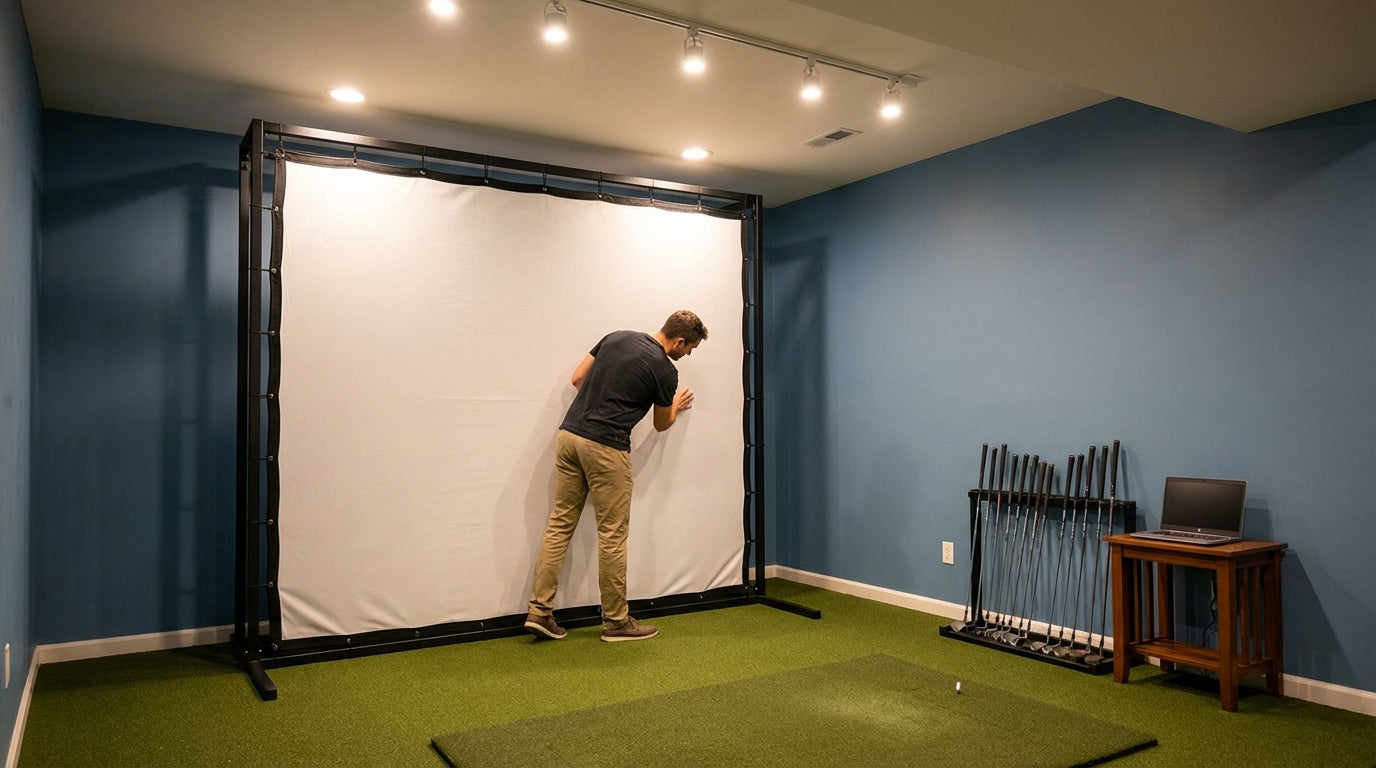
Most golfers replace their impact screen because it has a hole in it. That's too late. The real damage — the kind that quietly costs you accuracy and image clarity — starts long before you see a visible tear. A premium screen rated for 150,000+ ball strikes will outlast a budget screen by six to seven times. But out of the box, they look identical. The wear happens invisibly, and by the time you notice, you've already been hitting into a screen that's throwing off your shot data and washing out your projected image.
Here's how to read the actual warning signs — and how to decide whether a swap or a full upgrade is the right call for golf simulator screen replacement when to upgrade.
The Signs Your Golf Simulator Screen Needs Replacing
Your Projected Image Has Gone Blurry in Specific Spots
If you're seeing soft patches, ghosting, or uneven brightness in your projected image, your first instinct might be to blame the projector. Hold off. Sagging or deformed screen material causes uneven light scatter, producing blurry patches and ghosting — and loose screen edges that flutter after each impact distort the next projected frame. (Source: Programming Insider / Virtual Golf Simulator)
Before you spend $800 on a new projector, pull on the edges of your screen and check if it hangs completely flat and taut. A sagging screen is a worn screen. Our impact screen wrinkle and sag guide can help you figure out if re-tensioning is even worth attempting first.
The Fabric Feels Different Where You Aim
Run your hand across the center impact zone. If the weave feels noticeably coarser, pilled, or compressed compared to the screen edges, that's structural degradation in progress. The fibers are breaking down at the micro level. You won't see it clearly — but your launch monitor may start returning slightly inconsistent spin and speed readings as ball energy transfers differently through compromised material.
Visible Tears, Fraying, or Pinhole Damage
Any visible damage to the screen fabric is a hard replacement signal. Even a pinhole propagates quickly once you keep striking the same zone. And if you're a consistent ball-striker — which most serious sim golfers are — you're hitting a 12-inch radius hundreds of times per session.
How Long Should Your Screen Actually Last?
The answer depends almost entirely on how many balls you hit per week. Casual home users hitting 50–100 balls per week can expect 2–3 years from a quality screen, while intensive users logging 1,500+ weekly strikes may face replacement in months. (Source: Canvas ETC — Golf Impact Screen Durability Guide)
Here's the counterintuitive wrinkle: if you're accurate, you wear out your screen faster than a high-volume casual hitter. Professional or highly accurate golfers typically need screen replacement every 6–12 months because repeated strikes localize to the same small zone, concentrating wear. (Source: Leo's Custom Golf & Golf Simulators — Impact Screen FAQ)
So if your handicap has dropped over the last year of sim practice, congratulations — you're probably killing your screen faster than someone who sprays it wall to wall.
Golf Impact Screen Estimated Lifespan by Weekly Usage Intensity
Source: Canvas ETC durability guide; Leo's Golf Impact Screen FAQ; industry estimates
Budget Screen vs. Premium Screen: The Lifespan Math
Not all screens degrade at the same rate — and the gap is bigger than most people realize. Entry-level screens show significant wear at 20,000–50,000 impacts. Premium options like the SIGPRO are rated for 150,000+ ball strikes. (Source: Canvas ETC / Shop Indoor Golf) That's not a minor upgrade. It's six times the lifespan from a screen that might cost you $200–300 more upfront.
Construction details also matter in ways most listings don't advertise. A tighter-weave polyester screen (200 TPI) exhibits a 25% longer lifespan compared to a looser weave (150 TPI) of the same material and thickness. (Source: Canvas ETC — Golf Impact Screen Materials Guide) Weave density is buried in the product spec or not listed at all — but it meaningfully changes your golf screen lifespan without requiring a jump to the premium tier.
Golf Impact Screen Tier Comparison: Key Specs at a Glance
Swipe to compare →
| Screen Tier | Rated Impact Count | Approx. Price (10'x9') | Construction |
|---|---|---|---|
| Budget / Single-layer | 20,000–50,000 hits | ~$250 | Single-layer woven polyester |
| Mid-Range / Standard | 50,000–100,000 hits | $295–$460 | Dual-layer or tight-weave polyester |
| Premium (e.g. SIGPRO) | 150,000+ hits | $460–$700+ | 3-layer spacer fabric (knitted sandwich) |
| Retractable System | Varies by screen insert | $1,999+ | Motorized frame + replaceable insert |
Repair or Replace? How to Actually Decide
Minor sagging or light surface texture change doesn't always mean a full replacement. If your screen is under two years old and the damage is limited to tension loss rather than fabric failure, try re-mounting first. Pull the attachment points tight, re-bungee or reclasp around the full frame perimeter, and see if the image clears up.
But if you're dealing with any of the following, it's a replacement — not a repair:
- Visible tears, pinholes, or fraying anywhere in the impact zone
- Localized soft spots where the weave has compressed and won't spring back
- Image problems that persist after re-tensioning the screen
- A screen that's 3+ years old under regular use
Also worth checking: if your return angle geometry has changed — balls are bouncing back at you differently than when the screen was new — that's a sign the material has stretched or warped. Our return angle guide explains what the rebound numbers should look like and why they matter for bay safety.
By the Numbers: What the Data Says on Golf Screen Lifespan
150,000+ ball strikes — the rated lifespan of premium 3-layer screens. The spec that separates a screen you replace in two years from one you replace in ten. (Source: Canvas ETC / Shop Indoor Golf)
20,000–50,000 strikes — where entry-level single-layer screens show significant wear. The gap versus premium is 6–7x, which is also roughly the argument for buying up. (Source: Canvas ETC)
25% longer lifespan from 200 TPI vs. 150 TPI weave density — a spec most buyers skip entirely but one that meaningfully changes your replacement timeline without requiring a premium purchase. (Source: Canvas ETC — Impact Screen Materials Guide)
6–12 months — the replacement cycle for accurate, consistent golfers whose strikes localize to a narrow zone. High shot dispersion actually protects your screen. Low dispersion kills it faster. (Source: Leo's Golf Impact Screen FAQ)
What to Prioritize When Choosing Your Next Screen
Use replacement as an upgrade opportunity. The price gap between tiers is real, but so is the lifespan difference — and that math closes fast if you're a regular player. Key specs to check before buying:
- Rated impact count — don't buy a screen that doesn't publish this number
- Weave density (TPI) — 200 TPI or higher if it's listed anywhere in the specs
- Layer construction — 3-layer spacer fabric (knitted sandwich) is the gold standard for impact screen durability
- Return angle performance — affects ball rebound direction and your safety in the bay on every shot
For a full breakdown by construction tier and usage profile, our screen material durability comparison lays out exactly which tier holds up under different swing intensities. If you're a consistent striker logging 500+ balls per week, don't buy budget twice when you could buy quality once.
Ready to replace? Browse the full lineup of Carl's Place impact screens at GolfingSim impact screens — built for serious sim golfers who don't want to think about screen degradation for years.
Not sure which simulator fits your room?
The two-minute Simulator Finder Quiz checks your space and budget against every system we carry.


Keep Reading
Related guides

golf simulatorGolf Impact Screen for a Two-Car Garage: How to Size, Center, and Hang One Across the Wide Bay

golf simulatorGolf Impact Screen Max Ball Speed Rating: What Your Screen Really Survives at 110+ MPH

corner setupGolf Simulator Impact Screen for a Corner Setup: How to Angle It Without Wrecking Your Bounce-Back