
dedicated circuit
Golf Simulator Electrical Setup: The Surge Protection Guide Nobody Writes (But Everyone Needs)
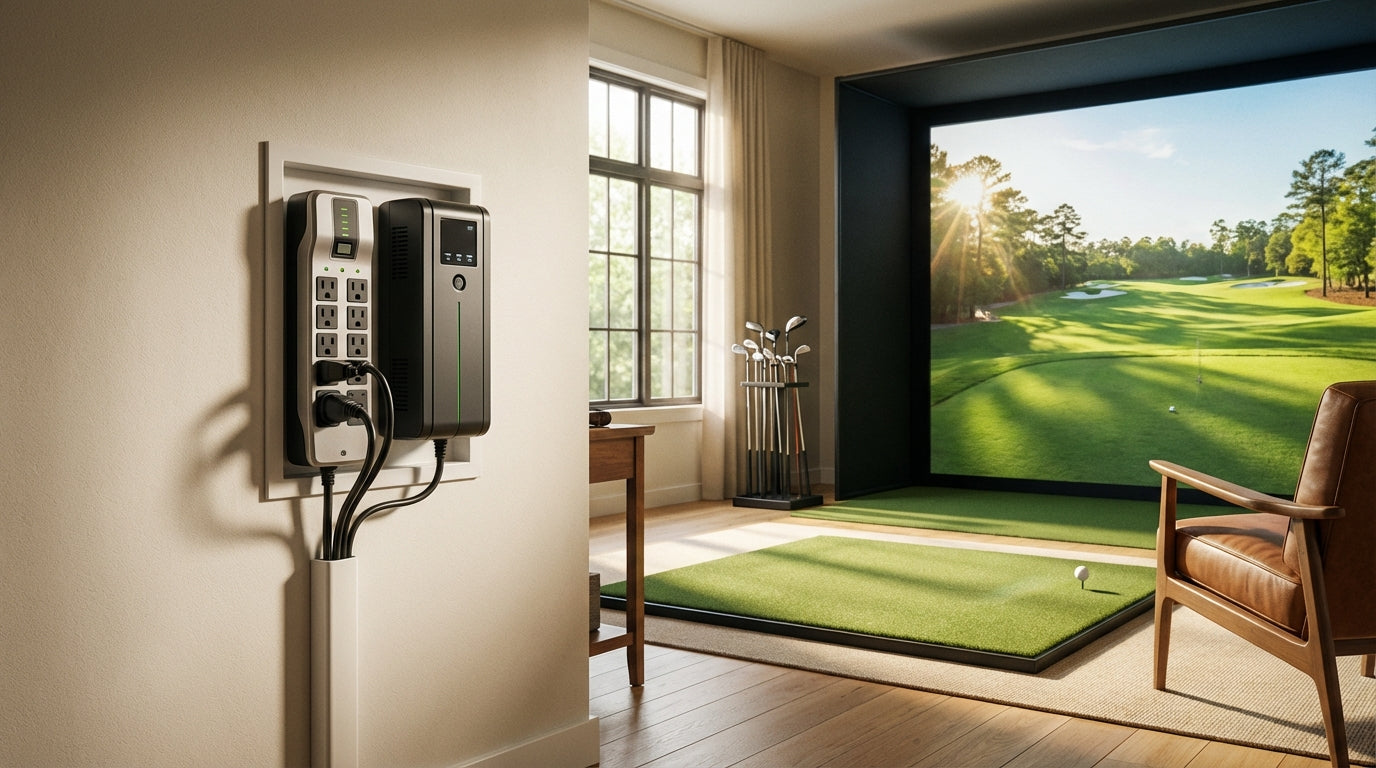
You've spent thousands on a launch monitor, projector, and impact screen. Then you plugged it all into a $20 power strip on a 15-amp circuit shared with the rest of the basement. Completely normal — and a surprisingly reliable way to destroy expensive hardware.
Here's the stat that should change how you think about this: the US sees over 20 million lightning strikes a year, but most damaging power surges don't come from outside at all. They come from your HVAC system, refrigerator, and other large appliances cycling on and off — creating micro-spikes that can hit your electronics a dozen times per day. (Source: CyberPower Systems Power Blog)
Getting your golf simulator electrical setup right isn't the exciting part of a build. But it's the difference between equipment that runs clean for a decade and a $3,000 launch monitor that dies mid-round from something totally preventable.
Start Here: The Dedicated Circuit Requirement
Why a Shared Circuit Is Already Maxed Out
A complete golf simulator — gaming PC, projector, launch monitor, and room lighting — draws 15–20 amps under load. (Source: Golf Simulator Advisor) A standard 15-amp household circuit shared with other outlets is already at capacity before you boot up the software.
Trip a breaker mid-session and best case you're annoyed. Worst case: corrupted session data on the launch monitor, a projector lamp that shut down without cooling, or calibration settings that need to be reset from scratch. None of those are fun.
What a Dedicated Circuit Actually Costs
Budget around $700 for a licensed electrician to install a dedicated 20-amp circuit — the real range is $570–$1,100, with labor alone running $550–$970 depending on how far the panel is from your simulator room. (Source: Angi / HomeGuide 2026 Dedicated Circuit Cost Data) You need 12-gauge wire and a new dedicated breaker. That's the spec.
It feels expensive until you price what you're protecting. One projector replacement or one dead launch monitor costs more than the circuit install.
Surge Protection: The Joule Number That Actually Matters
Stop Buying Surge Protectors by Price Tag
A surge protector's joule rating is how much energy it can absorb before it stops protecting. Most people never check it. A $20 strip at 400 joules is fine for a desk lamp. It is not fine for a $2,000 projector or an $8,000 launch monitor.
For a golf simulator, you need a minimum of 2,000 joules. If you're running a full setup — PC, projector, and launch monitor — target 3,000+ joules. Anything under 1,000 joules is rated for basic office equipment only. (Source: Eaton / CyberPower Surge Protection Guides)
Recommended Minimum Surge Protector Joule Rating by Device Type
Source: Eaton, CyberPower, Anker surge protection guides — top tier extrapolated for multi-device simulator setups
They Wear Out — And You Won't Know When
Every surge absorbed depletes a protector's joule capacity. After 3–5 years most units are offering zero protection — even if the power light is still green and everything looks normal. (Source: CyberPower Systems)
This is invisible risk. Set a calendar reminder to replace yours proactively. Don't wait until something expensive stops working to find out your surge protector was a paperweight.
Surge Protector vs. UPS Battery Backup: Which Do You Actually Need?
A surge protector handles voltage spikes. A UPS (Uninterruptible Power Supply) handles everything else: brownouts, full outages, and — critically — giving your projector lamp time to cool down before the fan stops. Golf projectors run at serious heat. Cut power mid-session without a UPS and you're shortening lamp life every time it happens.
Surge Protector vs. UPS Battery Backup — Golf Simulator Protection Comparison
Swipe to compare →
| Feature | Surge Protector Only | UPS Battery Backup |
|---|---|---|
| Protects against voltage spikes | Yes | Yes |
| Protects against brownouts / undervoltage | No | Yes — switches to battery |
| Keeps projector lamp cooling after outage | No | Yes — critical for lamp life |
| Prevents data loss on launch monitor mid-session | No | Yes |
| Typical cost | $30–$150 | $100–$400 |
| Recommended joule rating for sim use | 2,000+ joules | 2,000+ joules built-in |
| Lifespan | 3–5 years | 3–5 years (battery replacement ~2–3 yrs) |
| Best for | Budget builds, stable power areas | Builds with $5,000+ equipment or frequent brownouts |
For setups under $5,000 in stable-power areas: a quality 2,000+ joule surge protector gets the job done. For builds north of $5,000 — or if brownouts are common where you live — add a UPS. The $150–$400 cost is trivial against what it's protecting.
Outlet Placement: Plan This Before the Drywall Goes Up
You want at least three outlet zones in a purpose-built simulator room:
- Near the projector mount — ceiling or high wall, on the dedicated circuit
- At or behind the hitting bay — for the gaming PC and launch monitor
- Room lighting circuit — can share a general circuit if you're running LED
Running extension cords across a hitting bay is a tripping hazard and looks like an afterthought. Plan the outlets while the walls are still open. While you're mapping the room, our guide on ceiling height requirements for a home golf simulator covers the other dimensions worth nailing at the planning stage — electrical and clearance decisions happen at the same time.
And one firm rule: never plug a surge protector into another surge protector. Daisy-chaining gives you exactly one protector's worth of coverage and adds fire risk. One quality unit, plugged directly into a dedicated outlet.
By the Numbers
- Installing a dedicated 20-amp circuit costs ~$700 on average — far less than replacing a single piece of simulator hardware. (Source: Angi / HomeGuide 2026 Dedicated Circuit Cost Data)
- A full golf simulator draws 15–20 amps under load, requiring 12-gauge wire and a dedicated 20-amp breaker to stay stable. (Source: Golf Simulator Advisor)
- Most damaging surges come from inside the home — appliances and grid fluctuations creating spikes up to a dozen times per day, year-round. (Source: CyberPower Systems Power Blog)
- Standard homeowners insurance typically caps electronics coverage at $1,000 per item and $5,000 total — far short of a full simulator build's value. (Source: Progressive / Allstate Home Insurance Guides)
- Surge protectors lose joule capacity with every absorbed surge and typically need replacement every 3–5 years, even when they appear functional. (Source: CyberPower Systems)
The Pre-Build Electrical Checklist
Before you pull the trigger on equipment — or before you close up the walls — run through this list:
- ☑ Dedicated 20-amp circuit with 12-gauge wire installed by a licensed electrician
- ☑ Surge protector rated 2,000+ joules minimum (3,000+ for full multi-device setups)
- ☑ Outlet locations planned for projector, hitting bay, and room lighting separately
- ☑ No daisy-chained power strips
- ☑ UPS battery backup if equipment value exceeds $5,000 or brownouts are common
- ☑ Surge protector replacement scheduled every 3–5 years regardless of appearance
If you're still laying out the room, the golf simulator room setup mistakes guide covers the same planning-phase decisions from a different angle. And once the power situation is squared away, here's everything you need to pick the right projector for your impact screen — throw ratio, lumens, and resolution specs all in one place.
The screen you're projecting onto matters just as much as the power going into it. Browse our full lineup of golf simulator impact screens — built for home setups that are meant to last well past the 3-year surge protector replacement window.
Not sure which simulator fits your room?
The two-minute Simulator Finder Quiz checks your space and budget against every system we carry.


Keep Reading
Related guides

golf simulatorGolf Impact Screen for a Two-Car Garage: How to Size, Center, and Hang One Across the Wide Bay

golf simulatorGolf Impact Screen Max Ball Speed Rating: What Your Screen Really Survives at 110+ MPH

corner setupGolf Simulator Impact Screen for a Corner Setup: How to Angle It Without Wrecking Your Bounce-Back