
16:9 vs 4:3 impact screen
Golf Simulator Screen Aspect Ratio Guide: 16:9 vs 4:3 and What Happens When They Don't Match
Most golfers building a home simulator obsess over lumens, launch monitors, and hitting mat thickness — and completely forget about aspect ratio until they flip the projector on for the first time. That's when the black bars show up. Or the image is cropped in a way that looks wrong but nobody can explain why. The golf simulator market was valued at $1.74 billion in 2024 and is on track to hit $2.90 billion by 2030 (Source: Grand View Research, via Pioneer Golf Co, 2025) — which means a lot of first-time builders are making this mistake right now. Aspect ratio isn't cosmetic. It's a foundational decision that locks in your screen dimensions, projector compatibility, and whether your simulator software actually fills the screen the way it's supposed to.
What Aspect Ratio Actually Means for Your Build
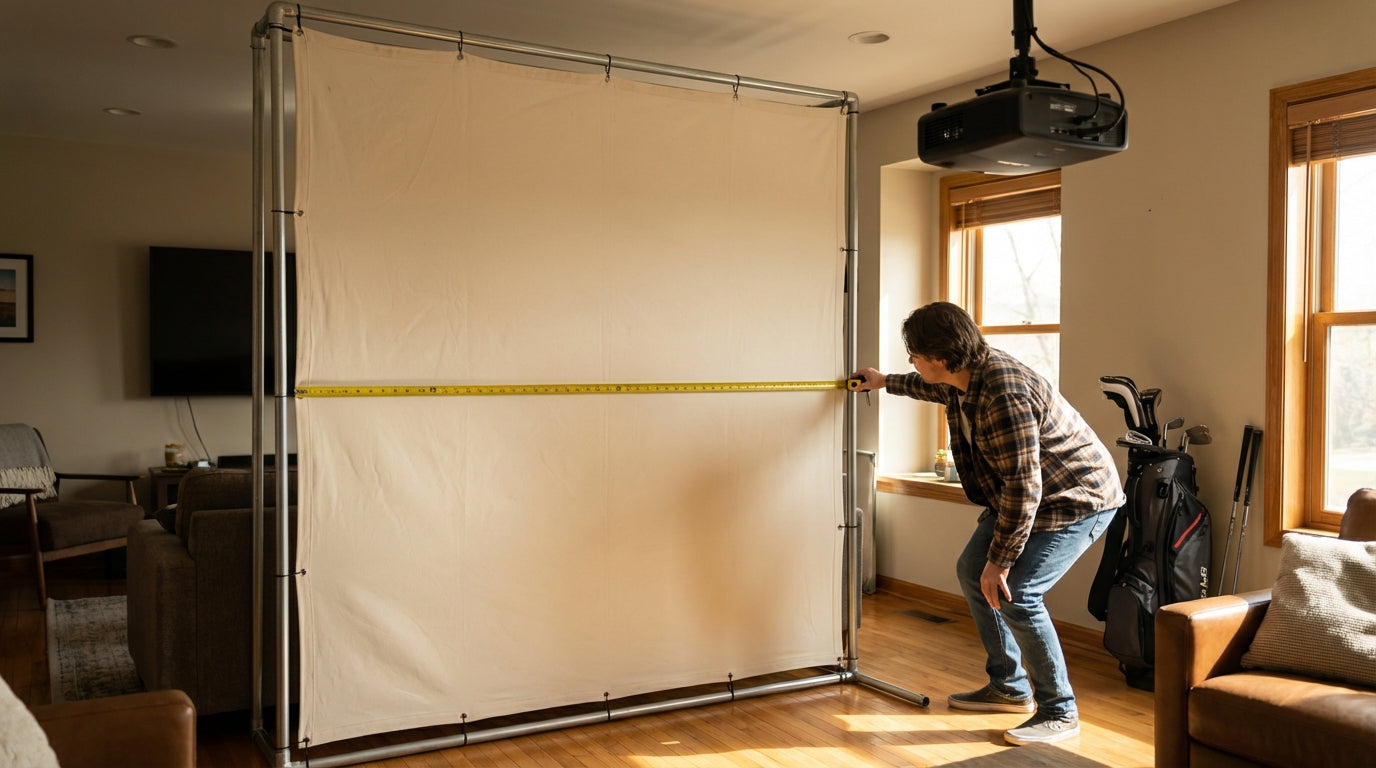
Aspect ratio is the width-to-height relationship of your screen. A 16:9 screen that's 10 feet wide is 5.6 feet tall. A 4:3 screen at the same width is 7.5 feet tall — nearly two extra feet of vertical surface.
Ready to shop impact screens?
Browse the full Carl's Place lineup — every screen ships ready to mount with real size specs.
Shop Carl's Place Impact Screens →That sounds like 4:3 wins on usable area. Here's the catch: your projector doesn't care what screen you bought. It casts whatever native ratio it was built for, and virtually every projector on the market today — including every short-throw model designed for simulators — is native 16:9. (Source: My Golf Simulator, mygolfsimulator.com)
If your screen doesn't match your projector's native ratio, you're choosing between black bars, image cropping, or software workarounds that eat into resolution. None of those come free.
16:9 vs 4:3: The Real Tradeoffs
Here's the honest side-by-side. Most builders land on 16:9 — and the data backs that up as the practical default for home setups.
16:9 vs 4:3 Impact Screen: Side-by-Side Comparison
Swipe to compare →
| Factor | 16:9 (Widescreen) | 4:3 (Standard) |
|---|---|---|
| Projector compatibility | Native match — no adjustment needed | Black bars or crop required on 16:9 projector |
| Height at 10ft wide | 5.6 ft | 7.5 ft |
| Height at 14ft wide | 7.9 ft | 10.5 ft |
| Image fill efficiency | 100% — full pixel coverage | ~75% on a 16:9 projector (pillarboxing) |
| Best for | Most modern software and standard builds | Overhead camera systems, legacy software |
| Ceiling height required | Standard 8–9 ft ceilings workable | Needs more vertical clearance at wider widths |
4:3 isn't a wrong choice — it just demands more from your room and more from your projector. If your ceiling is 8.5 feet or under, a full-height 4:3 screen at the width you need may simply not fit once you account for frame and mounting clearance.
Room Width Locks In Your Options First
Before you pick a ratio, measure your room. This decision starts with width, not preference.
A minimum room width of 14 feet is recommended to accommodate a centered tee position with comfortable swing clearance for both right- and left-handed golfers. (Source: Rain or Shine Golf) At 14 feet wide, a 16:9 screen gives you a 14' x 7.9' hitting surface — enough for a full fairway view without feeling like you're hitting into a mail slot.
If your room is 10 feet wide, your screen is 10 feet wide, full stop. At 16:9 that's 5.6 feet tall — tight but workable. At 4:3 you'd need 7.5 feet of height, which cuts into frame clearance and ceiling room in most basements. Check our golf simulator minimum room width guide before you spec anything — width determines screen width, which constrains which ratios are physically available to you.
Throw Ratio: The Variable That Changes With Your Ratio Choice
Once you've settled on a screen size and aspect ratio, your projector's throw ratio determines where the projector has to sit. This is where builders hit a second wall — they chose the screen, then discover the projector can't produce the right image from where it's mounted.
Short throw projectors are the standard for golf simulators, and 0.8:1 is widely considered the sweet spot — sitting roughly 8 feet from a 10-foot wide screen. (Source: My Golf Simulator / Top Shelf Golf) That's manageable in most rooms without overhead mounting gymnastics.
Aspect ratio factors in because a 4:3 screen and a 16:9 screen of the same width require different image heights from the projector. A 16:9 projector filling a 4:3 screen has to either compress its image or crop — either way, you're not getting the full output the hardware was designed to produce.
Projector Throw Ratio vs. Required Distance for a 10-ft Wide Screen
Source: My Golf Simulator / Top Shelf Golf / Virtual Tee Golf
For the full math behind these numbers, our projector throw distance calculator walks through exactly how screen width, throw ratio, and room depth interact.
By the Numbers: What the Data Says
- A booming market, a common mistake: The golf simulator industry is growing at a 9.4% CAGR, heading from $1.74 billion to $2.90 billion by 2030. Residential installs are surging — and aspect ratio mismatches are one of the most common first-build errors. (Source: Grand View Research, via Pioneer Golf Co, 2025)
- 16:9 is the native standard: No projector on the market has a native 1:1 aspect ratio, and 16:9 is the native output ratio of every modern short-throw projector. Using a non-matching screen forces compromises in fill, resolution, or both. (Source: My Golf Simulator)
- Keystone correction is a trap: Correcting beyond 5–10 degrees of keystone softens edge detail and reduces effective resolution across the image. Lens shift — which moves the optic physically with zero pixel distortion — is the right fix when projector angle and screen plane don't align. (Source: BenQ Golf Simulator Projector Knowledge Base)
- Budget projectors offer little forgiveness: Home simulator systems typically run $8,000–$15,000, with projectors ranging from $500 for entry lamp models to $5,000 for laser 4K units. Entry-level projectors have minimal lens shift range and limited aspect ratio flexibility — making a native ratio match even more critical when budget is tight. (Source: Optishot Golf / BenQ, 2024–2025)
What Happens When Aspect Ratio and Projector Don't Match
Black bars are the obvious symptom. The deeper damage is subtler.
A 16:9 projector on a 4:3 screen has two options: letterbox (compress the image vertically, leaving dark bars above and below) or zoom to fill (which increases effective throw distance and may push the image outside the projector's sharp focal range). Neither option is neutral — one wastes screen real estate, the other degrades focus.
Some builders reach for keystone correction as a quick fix. That's a mistake. Past 5–10 degrees of correction you're warping pixels — and the degradation shows up most at the edges, which is exactly where some ball-tracking camera systems sample. (Source: BenQ) Lens shift is the correct solution if you've already mounted and need to adjust, but check your specific projector's shift range before counting on it.
For more on how image quality breaks down under real conditions, our projector resolution vs lumens guide covers which spec actually degrades first.
How to Choose: A Simple Framework
Cut through the noise. Here's the short version:
- Room is 10 ft wide or narrower: Go 16:9. You likely don't have ceiling height for 4:3 at that width.
- Room is 12–16 ft wide: Go 16:9 unless your launch monitor or camera system specifically requires 4:3 framing.
- Using an overhead ball-tracking camera: Check the manufacturer specs. Some systems are optimized for 4:3 capture geometry.
- Buying projector and screen together: Match native ratios. Do not mix a 16:9 projector with a 4:3 screen and plan to fix it in settings.
The best aspect ratio is the one that matches your projector natively, clears your ceiling, and works with your software out of the box. In 2026, for the vast majority of home builders, that's 16:9.
Get the Screen Right Before You Build Anything Else
Aspect ratio is one of the few build decisions that's genuinely hard to reverse after install. Lock it in before you touch a single stud or order a single mount.
Ready to spec your screen? Browse the Carl's Place impact screens at GolfingSim — available in widescreen formats with specs that make it straightforward to match against your projector before you commit to anything.
Related reading: Golf Simulator Enclosure Lighting Plan: Where to Mount Fixtures So They Never Wash Out Your Screen


Not sure which simulator fits your room?
The two-minute Simulator Finder Quiz checks your space and budget against every system we carry.

Keep Reading
Related guides

golf simulatorGolf Simulator Enclosure Lighting Plan: Where to Mount Fixtures So They Never Wash Out Your Screen

golf simulatorGolf Simulator Basement Conversion Checklist: The 7 Steps to Run Before You Buy Anything

DIY golf simulatorGolf Simulator Garage Build Cost Breakdown: Every Line Item at Three Budget Tiers