
golf simulator
How to Choose Golf Simulator Screen Size: A No-Nonsense Sizing Guide
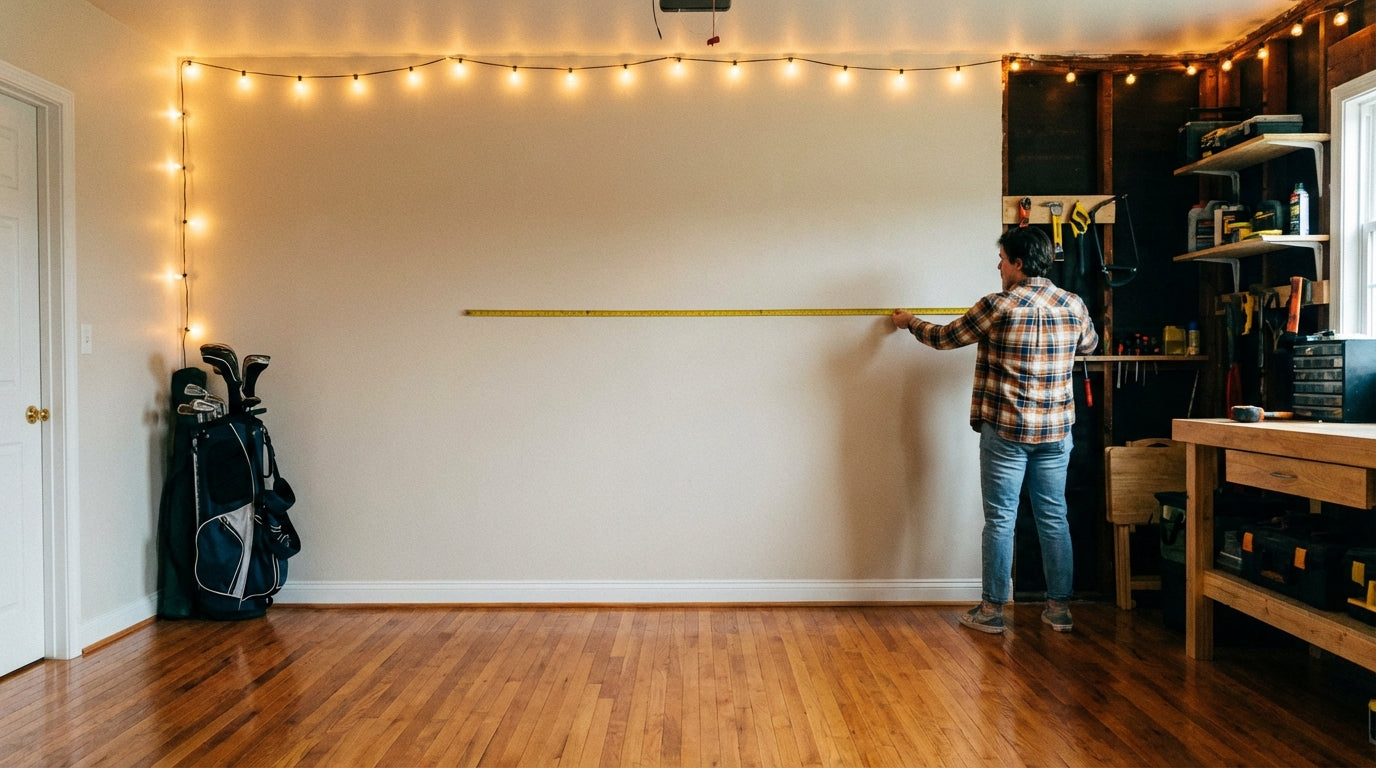
Most golfers spend weeks agonizing over which launch monitor to buy. Then they pick a screen size in about 30 seconds and get it completely wrong. Don't be that guy.
Getting your impact screen dimensions right is one of the most important decisions in your whole setup — and it's also one of the easiest to nail if you follow a simple process. Here's exactly how to choose your golf simulator screen size without second-guessing yourself later.
Start With Your Room — Three Numbers, That's It
The screen doesn't exist in a vacuum. It lives in your space. Before you look at a single spec sheet, grab a tape measure and write down three numbers: room width, ceiling height, and depth from your hitting position to the wall where the screen will go.
Ready to shop impact screens?
Browse the full Carl's Place lineup — every screen ships ready to mount with real size specs.
Shop Carl's Place Impact Screens →These three numbers drive every decision from here. Nothing else matters until you have them.
If you haven't thought through the full room layout yet, check out The Complete Guide to Golf Simulator Room Setup — it covers everything from lighting to flooring in one place.
How Wide Should Your Impact Screen Be?
Simple rule: make it as wide as your room reasonably allows, leaving 4–6 inches of clearance on each side for the frame. Most home setups land between 10 and 16 feet wide.
For ceiling height, you need at least 9 feet for a usable experience. Most people target a screen that's 8–9 feet tall when the room allows it. If you're working with an 8-foot ceiling, you can still make it work — you just need to be more deliberate about proportions.
Don't stress about hitting a perfect 16:9 cinema ratio. A 10' wide by 8' tall screen has a slightly taller aspect ratio — that's fine. You need enough vertical space to track ball flight and enough horizontal space that off-center shots don't clip the frame.
Projector Throw Distance Changes Everything
This is the part most golfers skip, and it's where a lot of setups go sideways. Your projector has a throw ratio — essentially, how far back it needs to sit to fill a screen of a given width.
Short-throw projectors can sit 4–6 feet from the screen. Standard projectors might need 8–12 feet or more. Pick a big screen without checking your projector's throw ratio and you'll either end up with a tiny image on a giant screen or your projector will be sitting so far back it's in your backswing.
The math is straightforward: throw distance divided by screen width equals throw ratio. If your projector has a 1.2:1 throw ratio and you want a 12-foot-wide screen, you need at least 14.4 feet of depth between projector and screen. Check this before you order anything.
Don't Forget Your Swing Arc
Here's what a lot of simulator screen sizing guides forget: your swing takes up real space. A full driver swing from a six-foot player can extend five to six feet behind the hitting position. You need to account for that.
The standard recommendation is to stand at least 8–10 feet from the screen. Get closer than that and you risk tagging the screen on your follow-through — yes, it happens, and no, it's not fun. More distance is almost always better, both for safety and for a more realistic ball flight perspective.
If you're still weighing whether an impact screen is even the right call for your space, this breakdown of impact screens vs. practice nets is worth a read before you commit.
Screen Size Recommendations by Setup Type
Tight Space (Under 12' Wide, 8–9' Ceiling)
Go with a 9–10 foot wide screen, 7–8 feet tall. This is totally workable for irons, wedges, and shorter clubs. Full driver might feel a bit snug but it's doable with the right projector placement.
Average Garage or Basement (12–15' Wide, 9–10' Ceiling)
A 12-foot wide by 9-foot tall screen is the sweet spot. The majority of home setups land here and love it. Plenty of visual real estate, compatible with most mid-range projectors, and enough room to swing freely.
Dedicated Simulator Room (15'+ Wide, 10'+ Ceiling)
Go big. A 14–16 foot wide screen at 9–10 feet tall turns a golf simulator into an experience. You'll need a projector with a matching throw ratio, but the immersion factor is in a completely different league.
The Frame and Mounting System Matters More Than You Think
A screen is only as good as how it's hung. A sagging or rippled screen will mess with your simulator's ball-tracking accuracy and look terrible while doing it. Look for a frame system with solid tensioning options that keeps the hitting surface taut and flat.
If you're wall-mounting, confirm your walls can handle the load — especially with larger screens that have heavier frames. Ceiling-mounted systems are another option for rooms where wall anchoring is tricky.
For a full breakdown of what separates a quality impact screen from a mediocre one, our 2026 impact screen buyer's guide covers materials, durability, and which sizes fit which setups.
Quick Pre-Purchase Checklist
Before you pull the trigger, run through these five:
Room width measured? ✓
Ceiling height confirmed? ✓
Projector throw ratio checked against target screen size? ✓
Standing distance from screen at least 8–10 feet? ✓
Frame and mounting method sorted? ✓
Check all five and you're ordering with confidence, not hope.
Get the Right Screen for Your Room
Choosing the right golf simulator screen size isn't complicated — but it does require doing the homework upfront. Measure your room, check your projector specs, respect your swing arc, and match the screen to the space you actually have.
Get it right and every session feels the way it should: immersive, accurate, and worth every square foot you gave up in that garage.
Browse our full lineup of golf simulator impact screens — sized for real rooms, built to take a beating.
Not sure which simulator fits your room?
The two-minute Simulator Finder Quiz checks your space and budget against every system we carry.


Keep Reading


