
beginner tips
The Complete Guide to Golf Simulator Room Setup: Space, Lighting & More
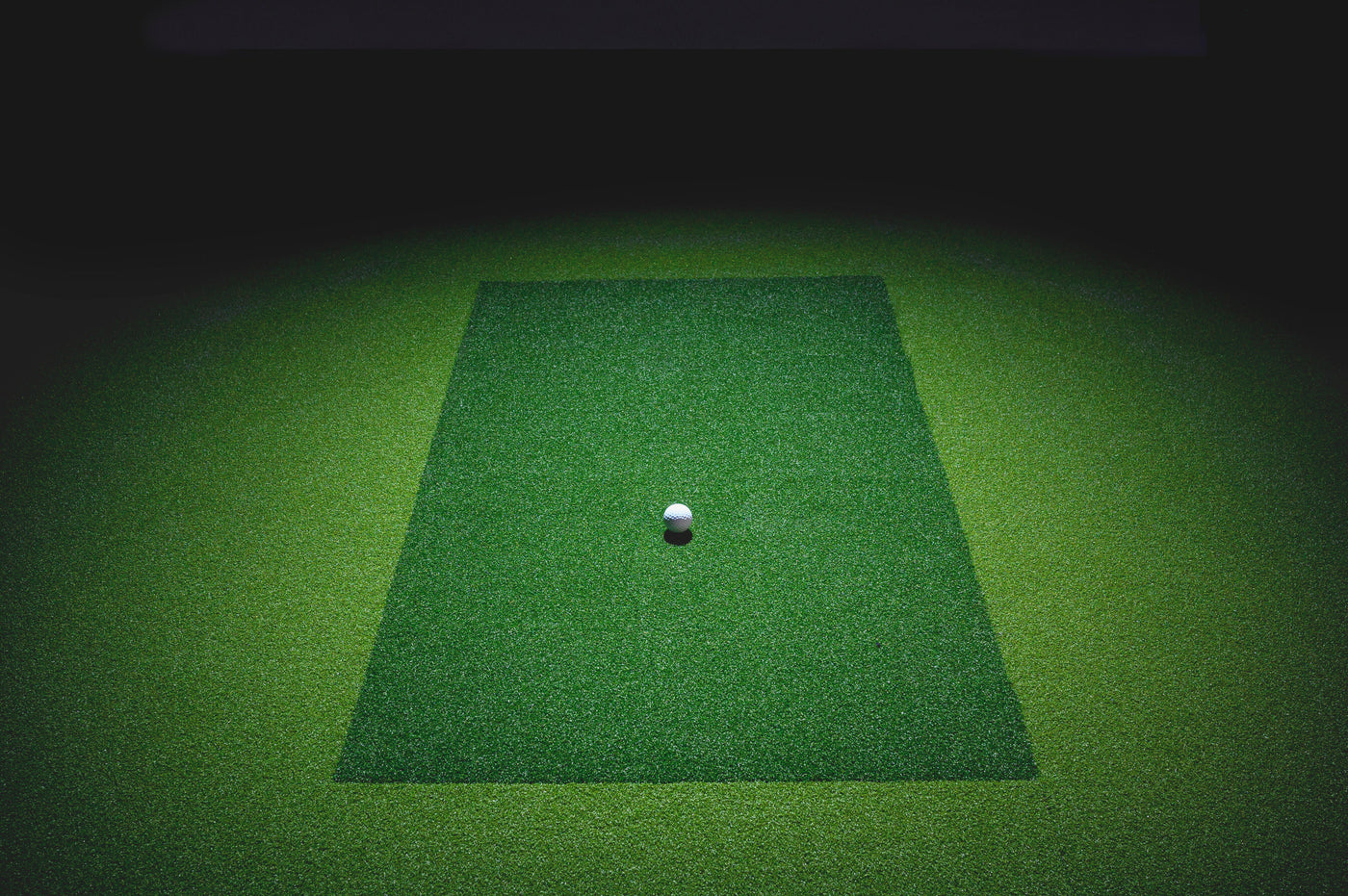
Creating Your Perfect Golf Simulator Space
Setting up a golf simulator in your home is an exciting investment that can transform your game. But before you start swinging, getting the room setup right is crucial for both performance and enjoyment. This comprehensive guide covers everything you need to know about creating the ideal golf simulator environment.
Room Size Requirements
The most common question we get is: How much space do I really need?
Minimum Dimensions:
- Depth: At least 20 feet to accommodate your swing, ball flight, and screen placement
- Width: Minimum 15 feet to allow for a comfortable swing arc
- Height: At least 10 feet to accommodate your swing and ball trajectory
Ideal Dimensions:
- Depth: 25+ feet for additional seating and putting space
- Width: 20+ feet for multiple hitting stations or seating areas
- Height: 12+ feet for the most realistic experience
Lighting Considerations
Proper lighting can make or break your simulator experience. Here is what you need to know:
Ambient Lighting:
Your room needs adequate lighting to see your club and ball clearly, but avoid direct sunlight or bright lights that create glare on the screen. LED panel lights with dimmers work best.
Projector Setup:
If using a projector, the room should be dark enough to see the projected image clearly. Invest in blackout curtains or blinds to control natural light.
Task Lighting:
Add focused lighting near your control panel, seating area, and club storage for convenience.
Floor and Surface Considerations
A solid, level floor is essential for accurate ball tracking. Here are your options:
- Concrete: Ideal for permanent installations
- Hardwood: Great for residential spaces with proper protection
- Carpet: Use a putting green mat or simulator turf on top
- Simulator Turf: Specialized hitting mats that simulate real grass feel
Screen and Netting Placement
Position your impact screen 10-12 feet from your hitting area. This provides enough space for the ball to slow down before hitting the screen while maintaining accurate tracking data.
For safety, ensure:
- Side netting extends at least 5 feet beyond your swing arc
- Ceiling protection if your height is under 12 feet
- Adequate padding behind the screen
Electrical and Technical Setup
Plan for these electrical needs:
- Dedicated 20-amp circuit for projector and computer
- Surge protection for all electronics
- Ethernet connection for stable internet (WiFi can lag)
- Multiple outlets around the room for convenience
Climate Control
Your simulator room should maintain comfortable temperatures year-round:
- 65-75°F is ideal for both player comfort and equipment performance
- Humidity control (40-60%) to protect electronics
- Good ventilation to prevent stuffiness during long sessions
Additional Features to Consider
Once you have the basics covered, consider these enhancements:
- Sound System: Immersive audio adds to the experience
- Seating Area: Comfortable chairs for spectators or between shots
- Putting Green: Extendable turf for short game practice
- Club Storage: Racks or cabinets to keep equipment organized
- Mini Fridge: Stay hydrated during long practice sessions
Final Tips
1. Test your space first: Take practice swings with a driver to ensure you have clearance
2. Plan for expansion: Leave room for upgrades and additional equipment
3. Consider resale value: A well-designed simulator room can add value to your home
4. Safety first: Never compromise on netting and protective features
Ready to Build Your Dream Simulator?
Setting up a golf simulator room requires planning, but the payoff is worth it. With the right space, lighting, and equipment, you will have a practice facility that can help you improve your game year-round, regardless of weather.
Need help choosing the right simulator for your space? Check out our buying guides and product reviews to find the perfect match for your budget and requirements.
Not sure which simulator fits your room?
The two-minute Simulator Finder Quiz checks your space and budget against every system we carry.


Keep Reading


