
golf screen ball speed
Golf Simulator Impact Screen Ball Speed Rating: What It Actually Means (And What Really Kills Your Screen)
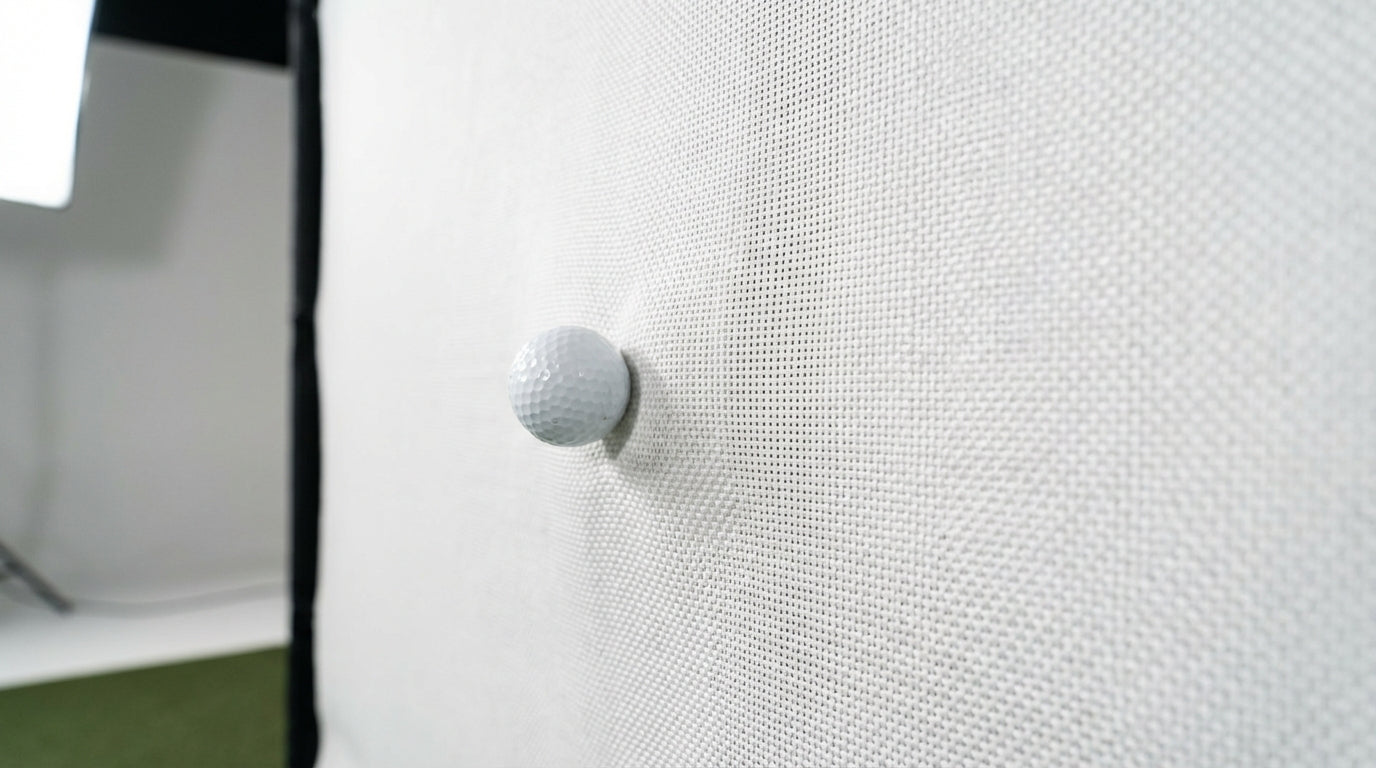
Here's a stat that'll probably flip your screen-shopping logic upside down: every Carl's Place impact screen — Standard, Preferred, and Premium — carries the exact same 250 MPH ball speed rating. The PGA Tour average is roughly 175 MPH. Most amateur golfers produce ball speeds between 130–150 MPH. Which means every single screen tier on the market can physically stop your ball with room to spare. (Source: Carl's Place & Kim Caddie Golf Data)
So if ball speed rating isn't the differentiator between a $250 screen and a $600 one, what is?
Shot count. That's the whole answer. And once you understand that, the entire tiered screen market suddenly makes sense.
The 250 MPH Rating: What It Actually Tells You
Every major impact screen brand — Carl's Place, SIGPRO, OptiShot — rates their screens to handle ball speeds of 250 MPH or higher. That's a genuine engineering specification, not a marketing number. It means the screen material can absorb the kinetic energy of a ball traveling at that speed without tearing or blowing through.
Here's the context: no human has ever produced a 250 MPH ball speed with a golf club. The fastest PGA Tour drivers average around 175 MPH. A solid 10-handicap averages 138 MPH. (Source: Kim Caddie Golf Data)
You're operating at 55–70% of what any screen on the market is rated to handle. Ball speed is not your problem. It was never your problem.
What Actually Kills an Impact Screen
Repetition. That's it.
A ball hitting a screen at 140 MPH isn't a single dramatic event — it's the 47,000th version of that same impact, slowly fatiguing the same woven fibers in the same spot. Screens don't fail because one shot was too fast. They fail because too many shots hit the same zone over months of use.
Entry-level screens typically cap out at 20,000–50,000 ball strikes before showing visible wear. A premium 3-layer screen like the SIGPRO Premier is rated for over 200,000 impacts. That's a 10x lifespan gap between the cheapest and most durable options. (Source: shopindoorgolf.com / golfsimspot.com)
If you're logging 1,500+ balls per week — completely normal for anyone using a simulator as their primary practice tool — you can burn through a budget screen in under three months.
That's not a hypothetical edge case. That's a Tuesday for a high-volume practitioner.
By the Numbers: What the Data Says
- All Carl's Place screen tiers share a 250 MPH ball speed rating — far exceeding the PGA Tour average of ~175 MPH, meaning any tier can physically handle any amateur swing. (Source: Carl's Place & Kim Caddie Golf Data)
- Premium screens last 200,000+ strikes; budget screens cap at 10,000–25,000 — up to a 10x lifespan gap between tiers. (Source: shopindoorgolf.com / golfsimspot.com)
- The average 10-handicap produces 138 MPH ball speed — well within what even the most basic screen is rated to handle indefinitely on a per-shot basis. (Source: Kim Caddie Golf Data)
- 96% of simulator owners use their setup primarily for practice, and 88% report improved scores averaging 5.27 strokes cut — meaning high shot volume is the norm across virtually all sim owners. (Source: National Golf Foundation / Ace Indoor Golf)
- Premium 3-layer screens run ~$600 vs. ~$250 for Standard — but amortized over a 3–6x longer lifespan, the cost-per-shot often favors premium for regular users. (Source: homeperformancelab.com)
Estimated Impact Screen Lifespan by Tier (Total Shots Before Wear)
Source: golfsimspot.com / shopindoorgolf.com / Industry estimates
Which Screen Tier Actually Matches Your Practice Habits
Stop asking whether the screen can stop your ball. They all can. Start asking how many times per week you're hitting it, and how long you want it to last.
Impact Screen Tier vs. Swing Speed & Practice Volume Match
Swipe to compare →
| Screen Tier | Ball Speed Rating | Est. Price (10'x10') | Est. Shot Lifespan | Best-Fit User Profile |
|---|---|---|---|---|
| Standard | Up to 250 MPH | ~$250 | 20,000–50,000 shots | Casual user, <150 shots/week, 90 MPH swing or less |
| Preferred | Up to 250 MPH | ~$400 | 75,000–110,000 shots | Regular user, 150–500 shots/week, any swing speed |
| Premium (3-Layer) | Up to 250 MPH | ~$600 | 150,000–200,000+ shots | High-volume user, 500+ shots/week or 100+ MPH swing speed |
| Budget / No-Name | Unspecified | <$150 | 10,000–25,000 shots | Not recommended for regular use at any swing speed |
Casual Users (Under 150 Shots/Week)
A Standard-tier screen will last you years at this volume. You're not generating enough repetitions to stress the fibers in any meaningful way. Save the money and put it toward your mat or launch monitor instead.
Regular Practitioners (150–500 Shots/Week)
This is where Preferred earns its price premium. At this pace, you'll start pushing a Standard screen's limits within a year or two of regular use. The smoother surface also delivers noticeably better image quality — which is a nice bonus on top of the durability gains.
High-Volume Users (500+ Shots/Week)
Premium is the only logical choice. A Standard or budget screen at 500+ weekly impacts is a false economy. You'll replace it multiple times before a Premium screen even starts showing wear. The math is not close.
The Cost-Per-Shot Math Nobody Does (But Should)
Run the numbers for a high-volume user comparing Standard vs. Premium:
Standard screen: ~$250 ÷ 35,000 shots = $0.0071 per shot
Premium screen: ~$600 ÷ 175,000 shots = $0.0034 per shot
The premium screen costs less than half per impact at high volume. The sticker price is higher — the per-shot economics tell the opposite story.
And that's before factoring in labor. Re-tensioning and swapping out a worn screen mid-January is nobody's idea of a good time. A Premium screen that lasts four times longer isn't just cheaper in the long run — it's also four times less annoying.
Putting It All Together
The 250 MPH rating is a floor, not a differentiator. Every reputable screen clears it. What separates tiers is how many times the screen can absorb that impact before the material starts to fail — and that number varies by 10x between budget and premium options.
For a deeper dive into the physical materials driving these lifespan differences — weave density, polyester layering, surface treatment — check out our Golf Simulator Screen Material Durability Comparison. It pairs directly with what we covered here.
And once you've chosen your tier, proper care meaningfully extends its life. Our Golf Impact Screen Maintenance and Cleaning Tips covers exactly what to do — and what to avoid — to get every last shot out of your screen.
If you're still early in the decision process and want a broader framework, How to Choose the Right Golf Impact Screen covers the full picture before you commit to a tier.
Ready to Shop by the Numbers?
Now that you know ball speed rating is a baseline spec — not a purchase criterion — you can focus on what actually matters: how hard you practice, how long you want the screen to last, and what your real cost per shot looks like over time.
Browse Carl's Place impact screens in Standard, Preferred, and Premium tiers. All sizes, real specs, built to match however many balls you plan to hit.
Not sure which simulator fits your room?
The two-minute Simulator Finder Quiz checks your space and budget against every system we carry.


Keep Reading
Related guides

golf simulatorGolf Impact Screen Max Ball Speed Rating: What Your Screen Really Survives at 110+ MPH

corner setupGolf Simulator Impact Screen for a Corner Setup: How to Angle It Without Wrecking Your Bounce-Back

golf simulatorGolf Simulator Impact Screen for a Shed: How to Size, Hang, and Tension It Right